


Available01
Receptionist
Answers every call, handles the common questions and routes the rest.
“Hello, are you open on Friday afternoon, and where do I park?”

A team of AI Agents
Your AI Agents answer calls and WhatsApp, follow up every lead and send the quotes, in any language your customers speak. You approve what matters; they do the rest.
Leave your number and our Agent calls you in a minute or two, in your language. Building your own team is free.
Why a phone Agent
Customers in the Gulf still call. They call to book, to ask a price, to check an order, to complain, and to decide whether you are worth their time. Most businesses know which of these calls they lose. If any of the following sound familiar, an Agent is worth an afternoon of your time.
After hours, at weekends, during a busy counter, or while the one person who knows the answer is on another line.
Opening hours, location, prices, parking, documents to bring. Your team answers them well, but not as well on the fortieth call.
A callback agreed, a quote requested, a delivery window confirmed. If it is not written down, it depends on who picked up.

A Thursday evening, illustrated
Illustrative example. Not real data.
Lines of work
Each Agent starts from a template written for one job, with instructions, a greeting and the tools that job needs. You adjust the details to your business; the structure is already there.
Answers every call, handles the common questions and routes the rest.
“Hello, are you open on Friday afternoon, and where do I park?”

Books, moves and confirms appointments.
“I need to move my cleaning from Tuesday to later in the week.”

Asks the right questions and passes warm leads to your team.
“I saw the new tower launch. What sizes do you have and when is handover?”

Resolves documented issues and escalates the rest with context.
“The warning light came on again after my last service.”

Follows up on quotes and enquiries and books the next conversation.
“Yes, I asked for a quote on the dining set last week.”

Looks up orders and gives accurate delivery updates.
“Where is my order? I was told it would arrive today.”

Courteous payment reminders with clear options and no pressure.
“I did not know the invoice was overdue. How can I pay?”

Confirms delivery windows, addresses and handovers.
“Can the driver come after four? The building gate closes at six.”
The call desk
This is what happens inside a single call. The Agent listens, works from your knowledge and rules, takes the actions it is allowed to take, and leaves a record your team can read in under a minute.
Ringing
Conversation
What the Agent checked
Call record
Illustrative call showing how a call is handled. Not live data.
Beyond answering
Answering the phone is where most voice assistants stop. Callwave keeps going: it calls people for you, works your WhatsApp, reads the emails that matter, and keeps you posted wherever you are.
 01
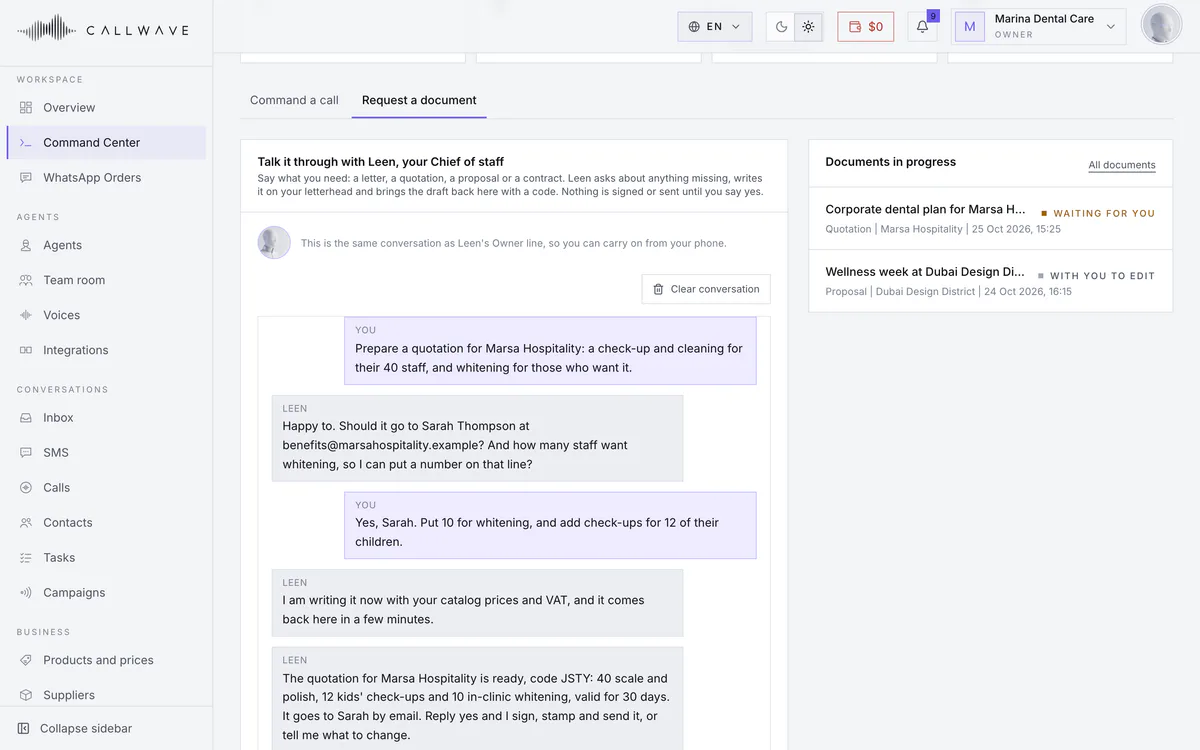
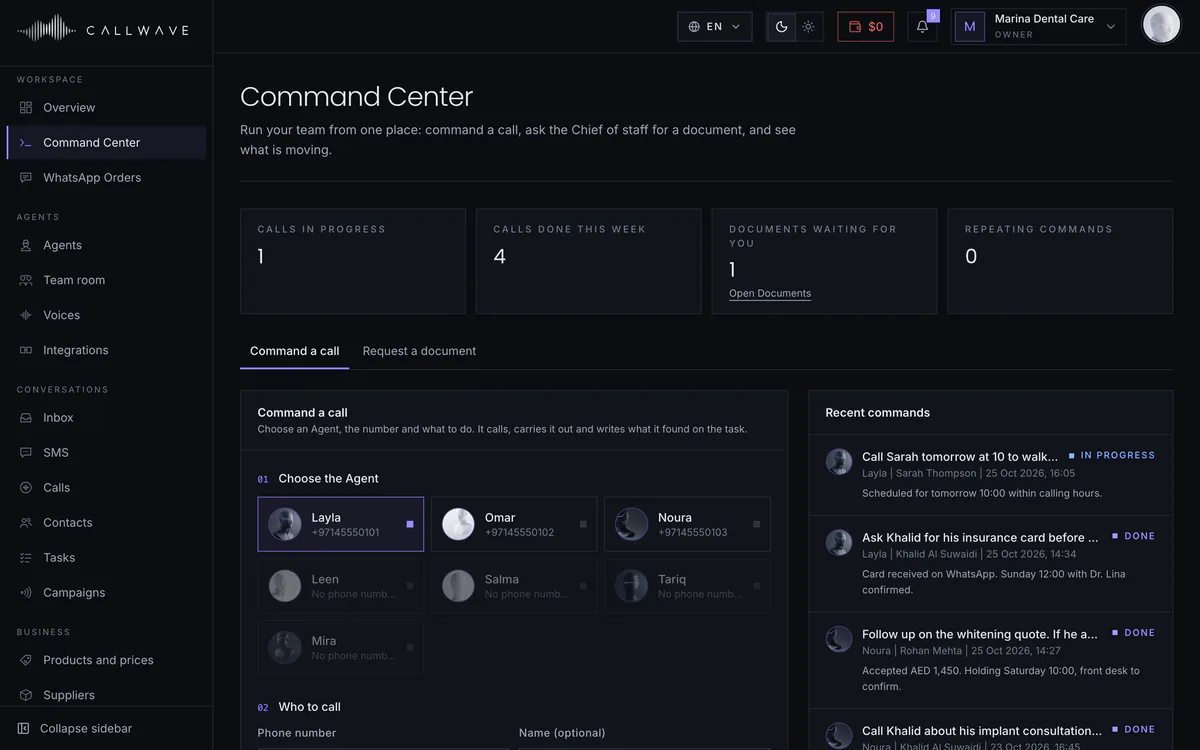
Brief it the way you would brief a colleague: call Rashid, confirm Saturday at ten, and ask whether he wants the whitening too. The Agent places the call, does the job and writes back what happened. Need a letter or a quotation instead? Ask your Chief of staff in the same Command Center.
 02
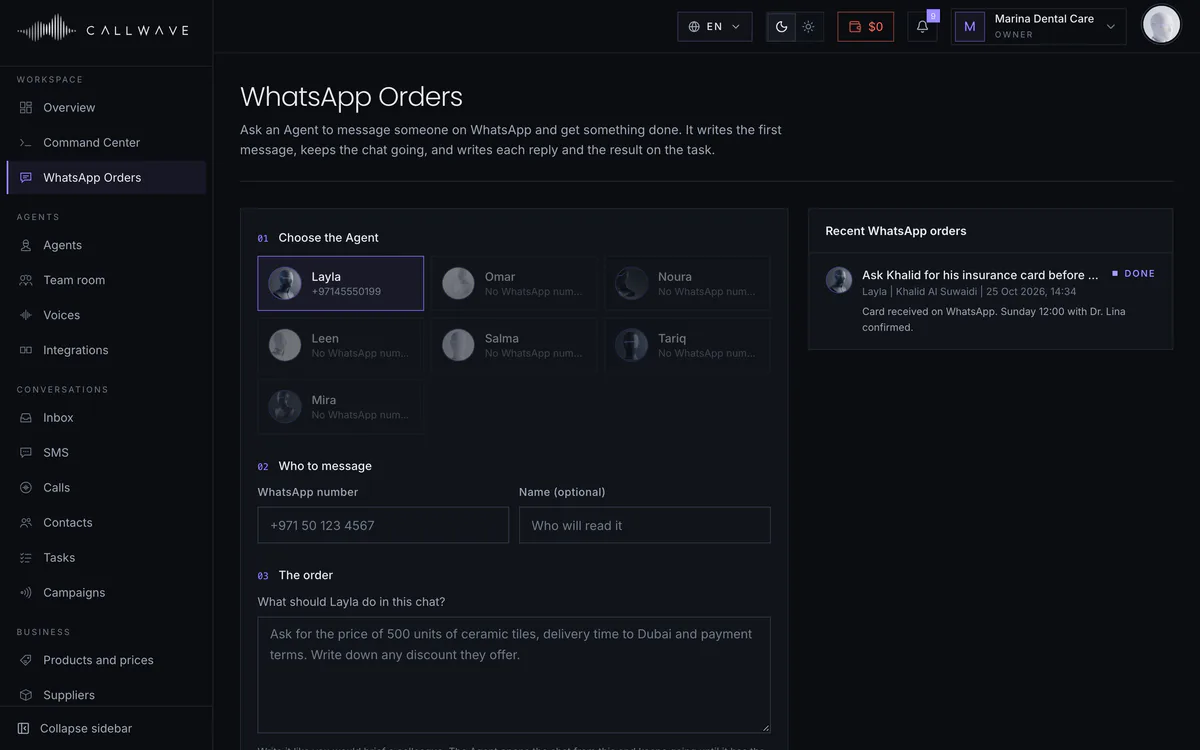
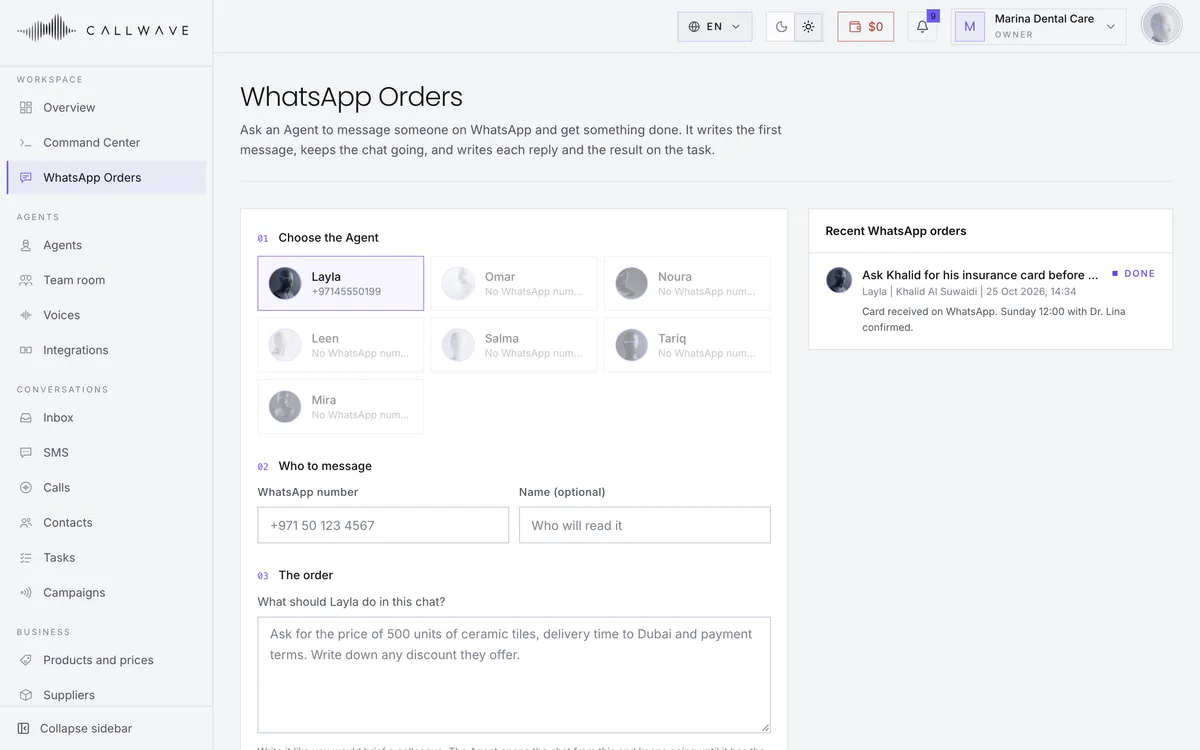
The same Agent answers WhatsApp in your voice and from your knowledge. It can also write first: send it a WhatsApp order, or run a whole campaign by message instead of by call.
 03
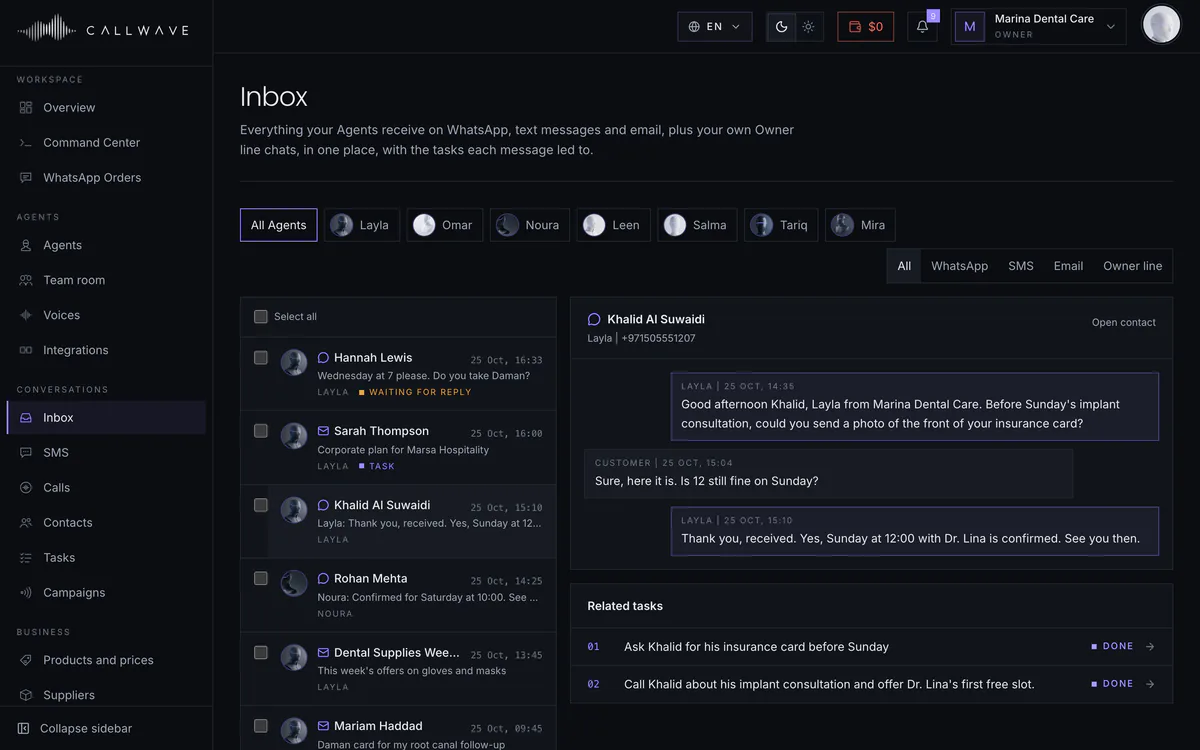
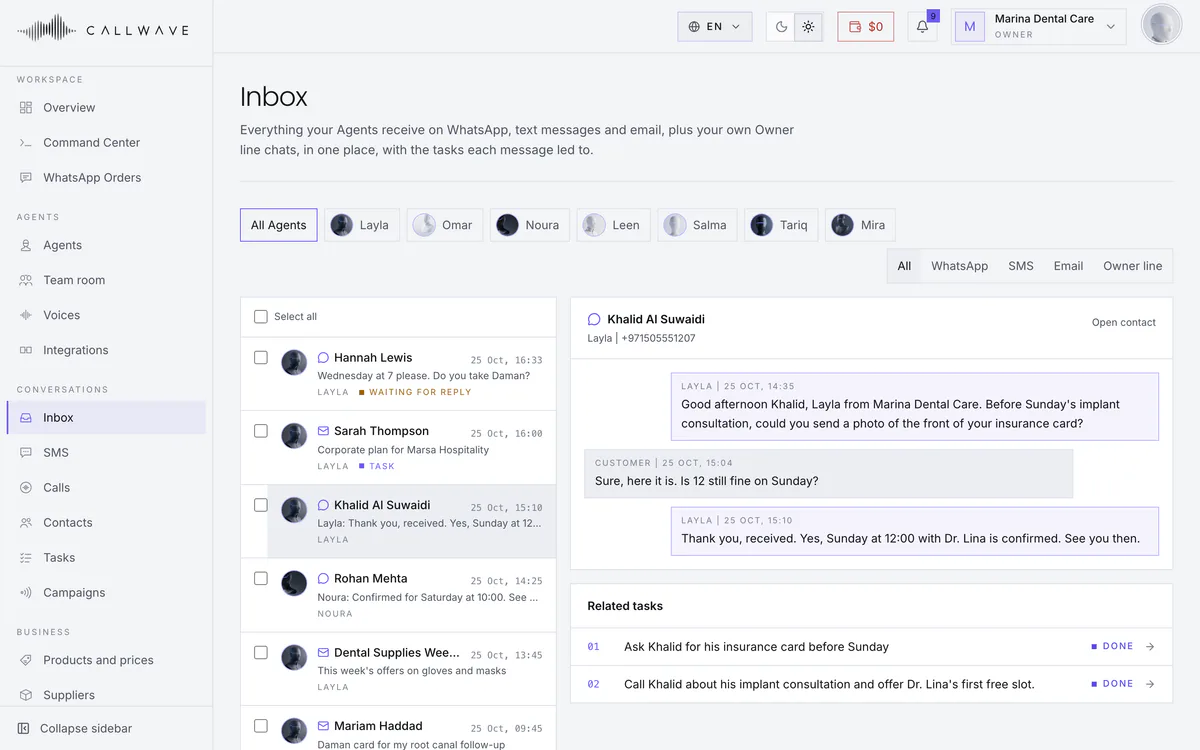
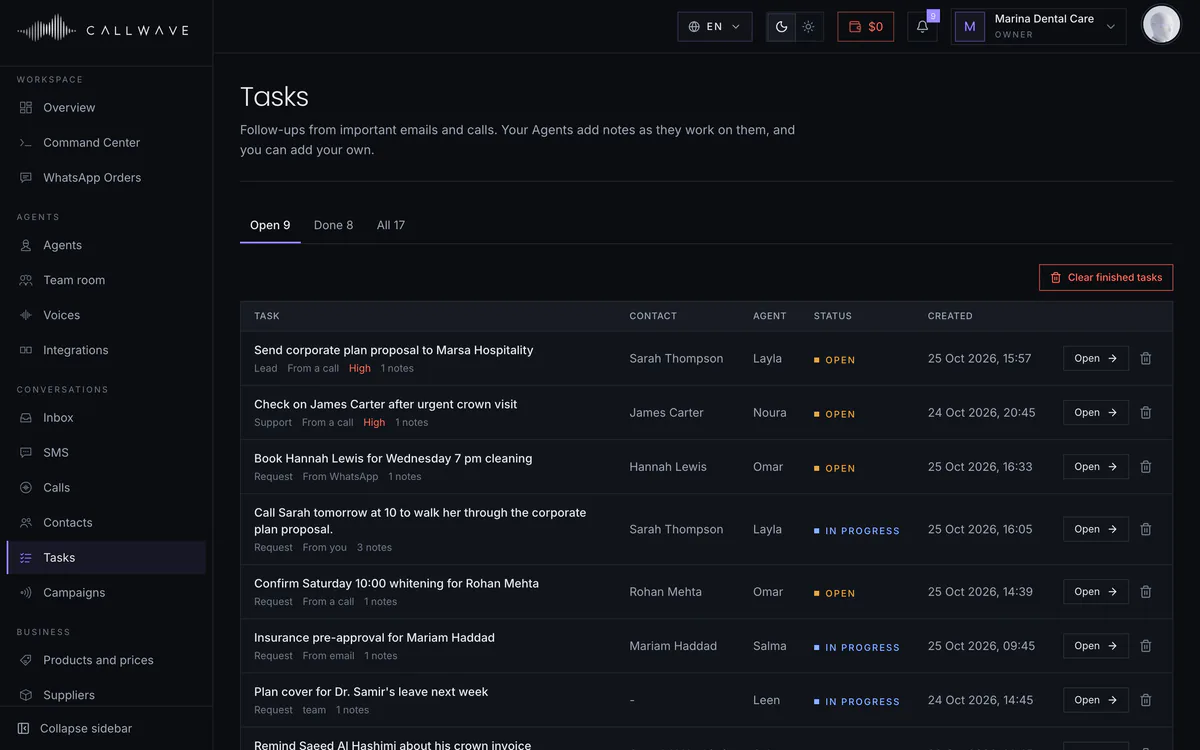
WhatsApp chats and the emails your Agents read sit in one place, by Agent, with the tasks each one became. An important email turns into a call back or a task, and you can ask to approve each one first.
 04
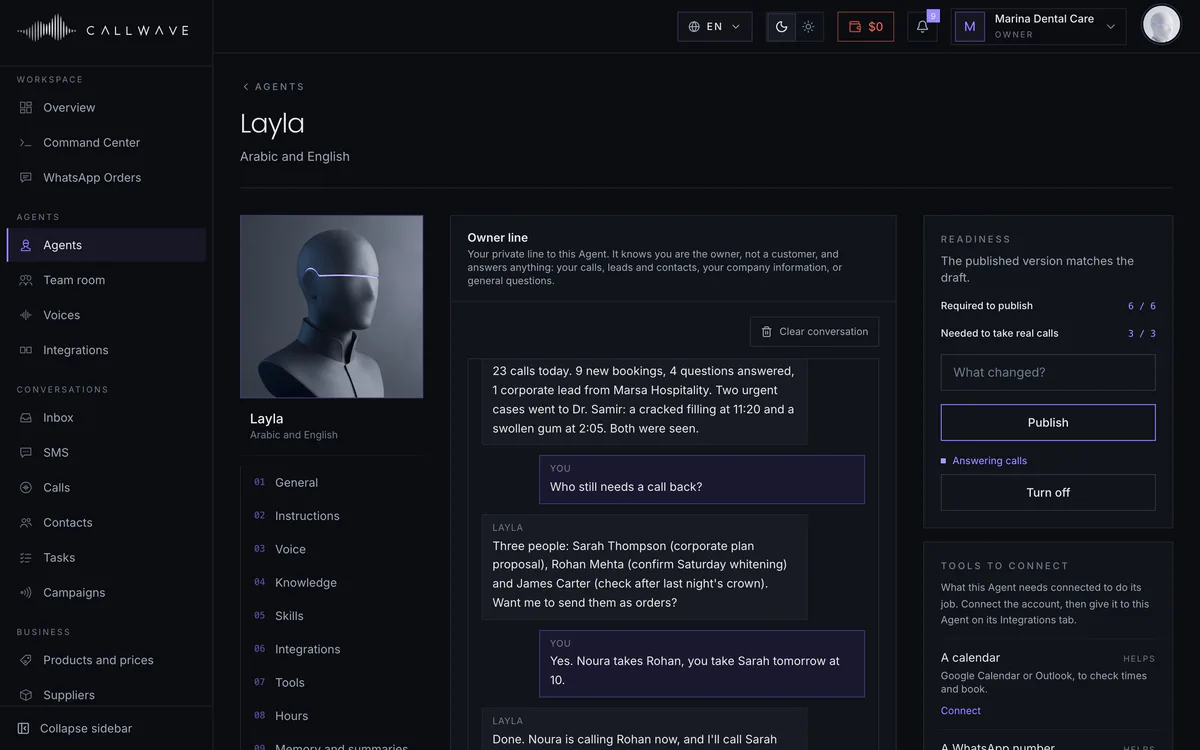
Call or text your Agent from your own phone. Ask how today went, who is waiting for an answer, or have it call someone for you. Business details stay locked until you say your PIN.
 05
Connect Callwave to the AI assistant you already use. Ask for today's calls, look up a customer, or order a call in plain words, and watch it happen on a live card.
 06
The dashboard updates itself as calls and messages arrive. A morning and evening summary reaches you on WhatsApp. And if you like, every event pings your phone the moment it happens.
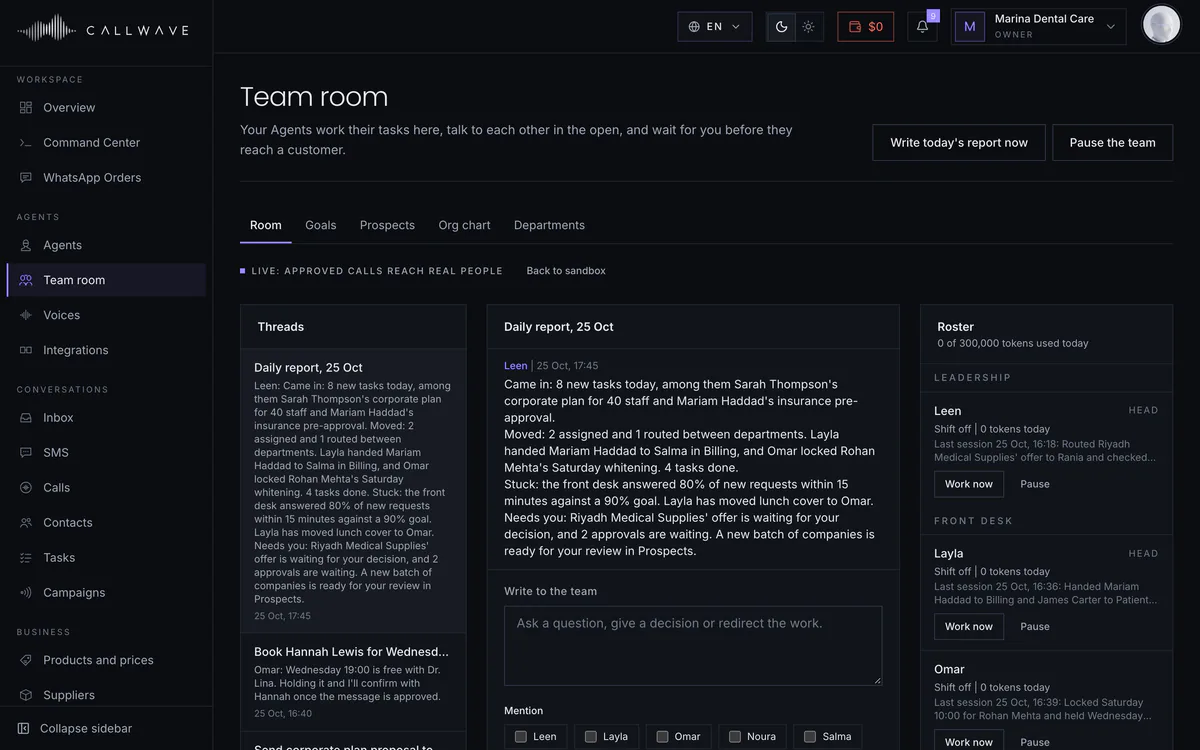
A team of Agents
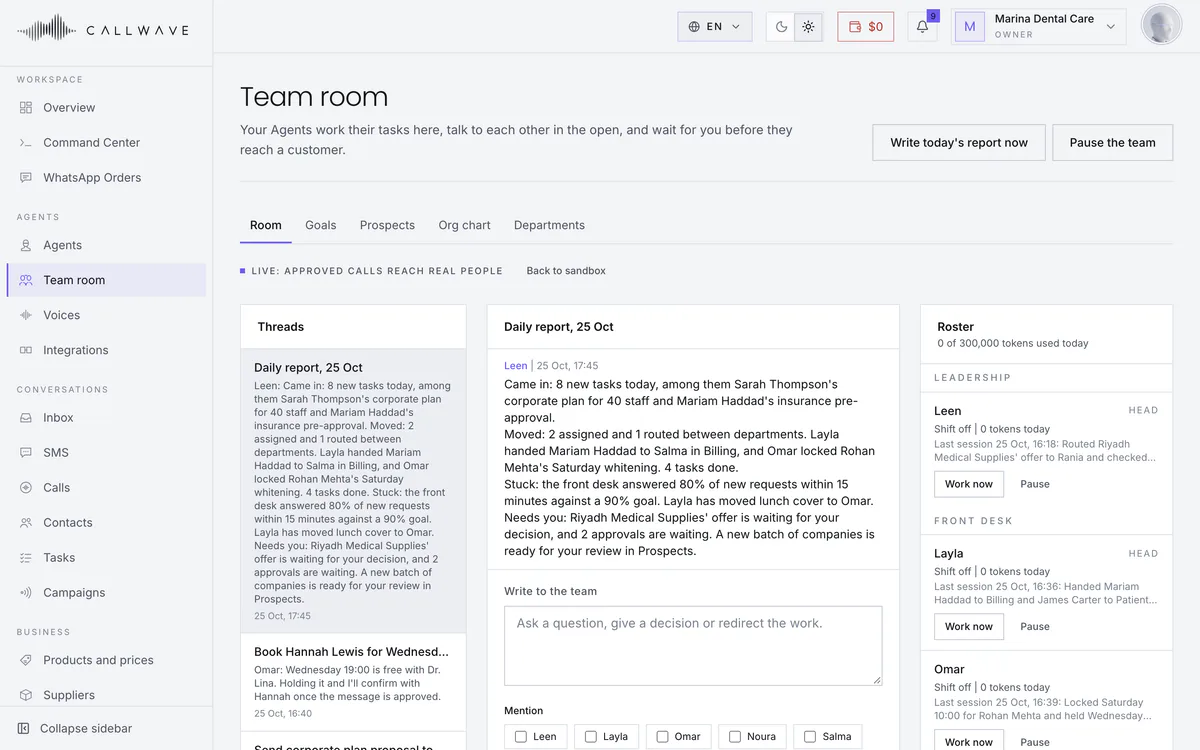
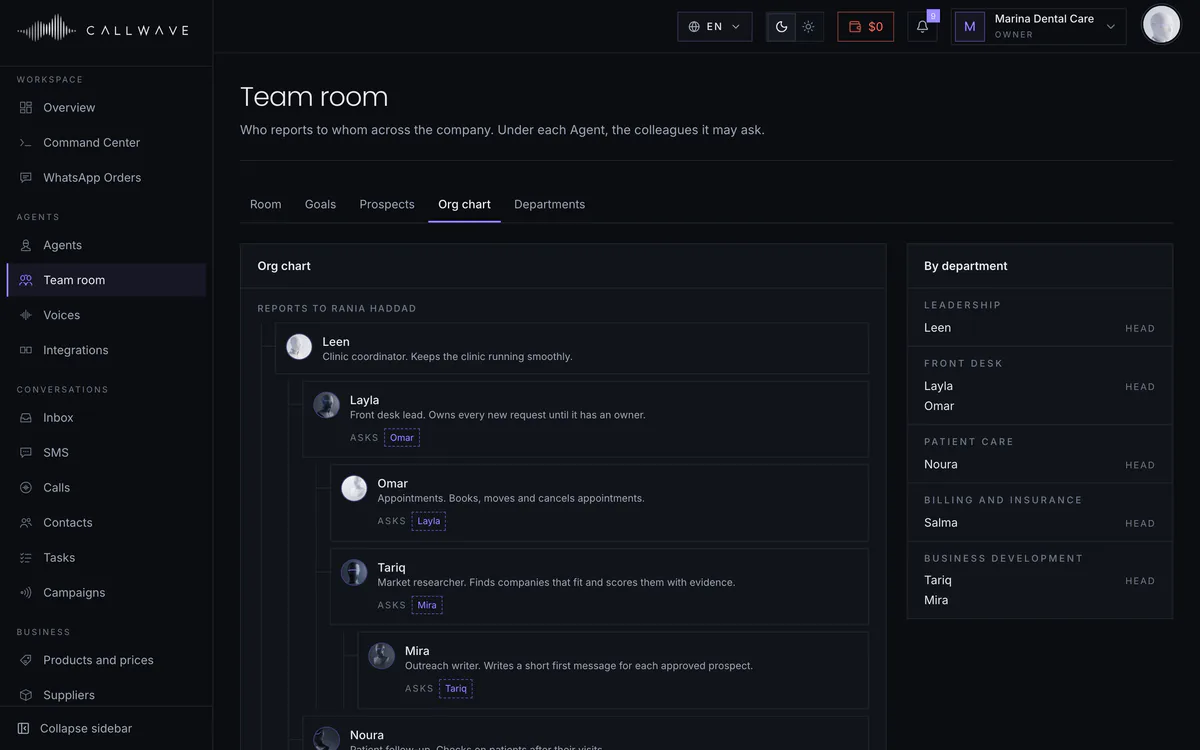
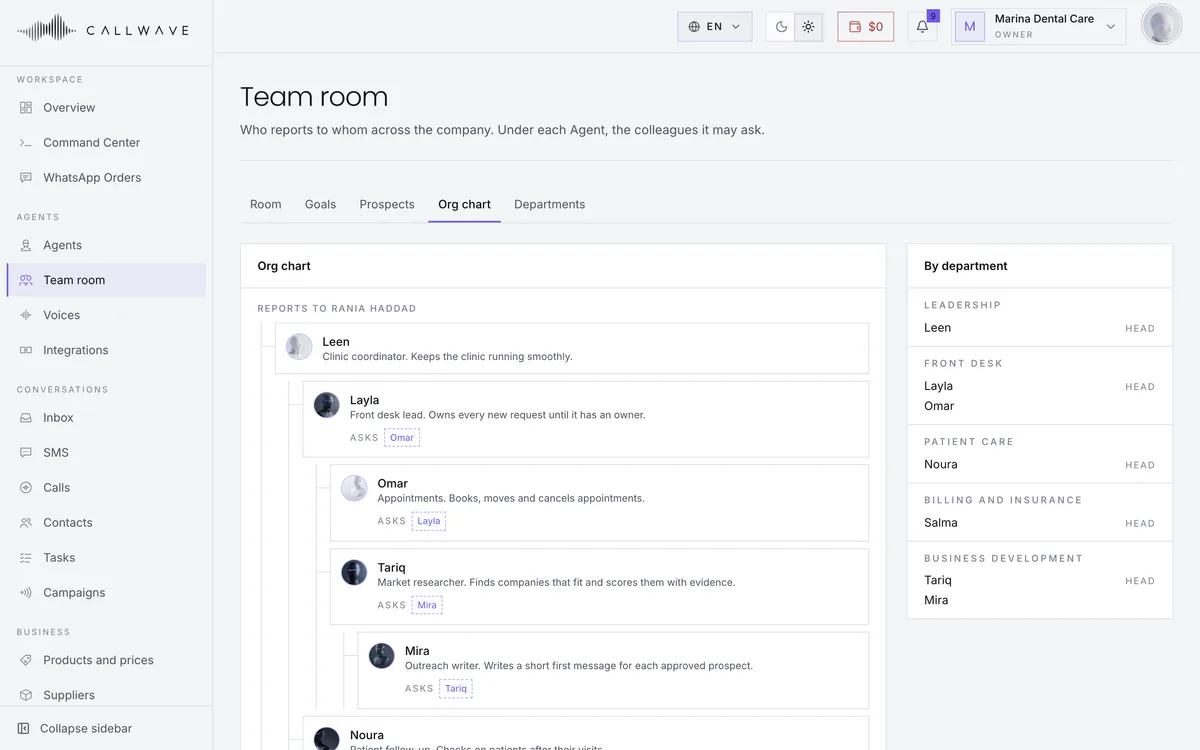
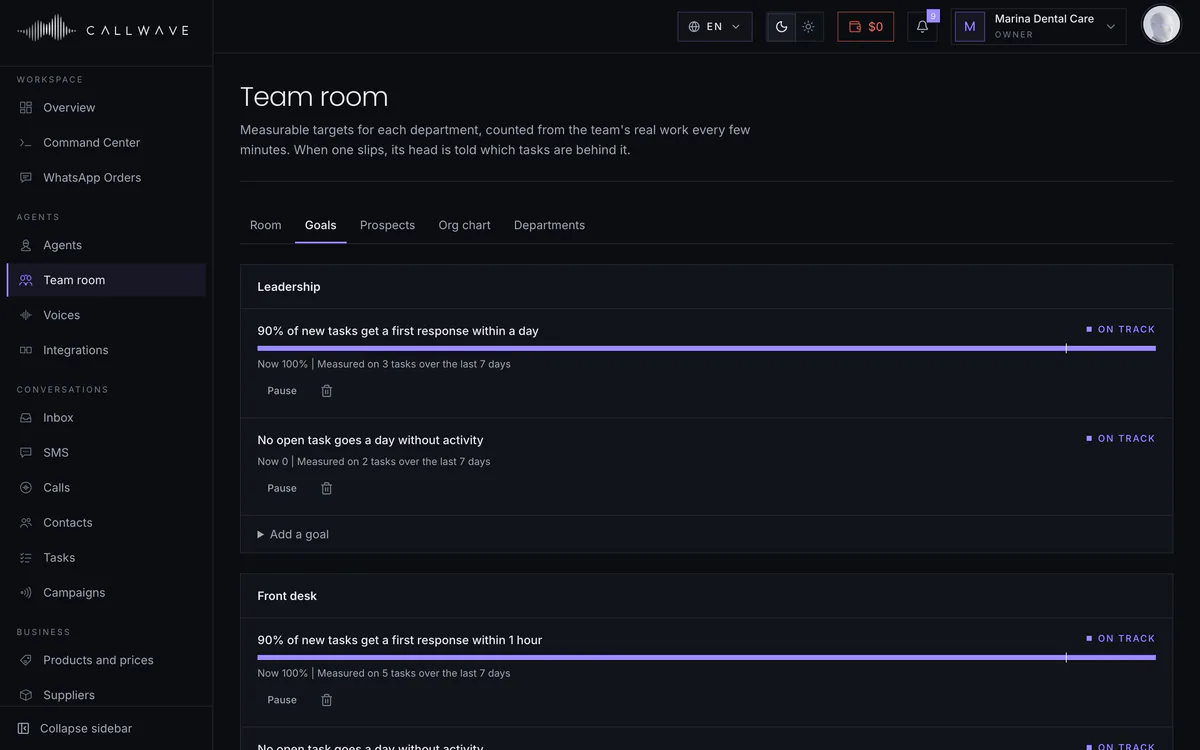
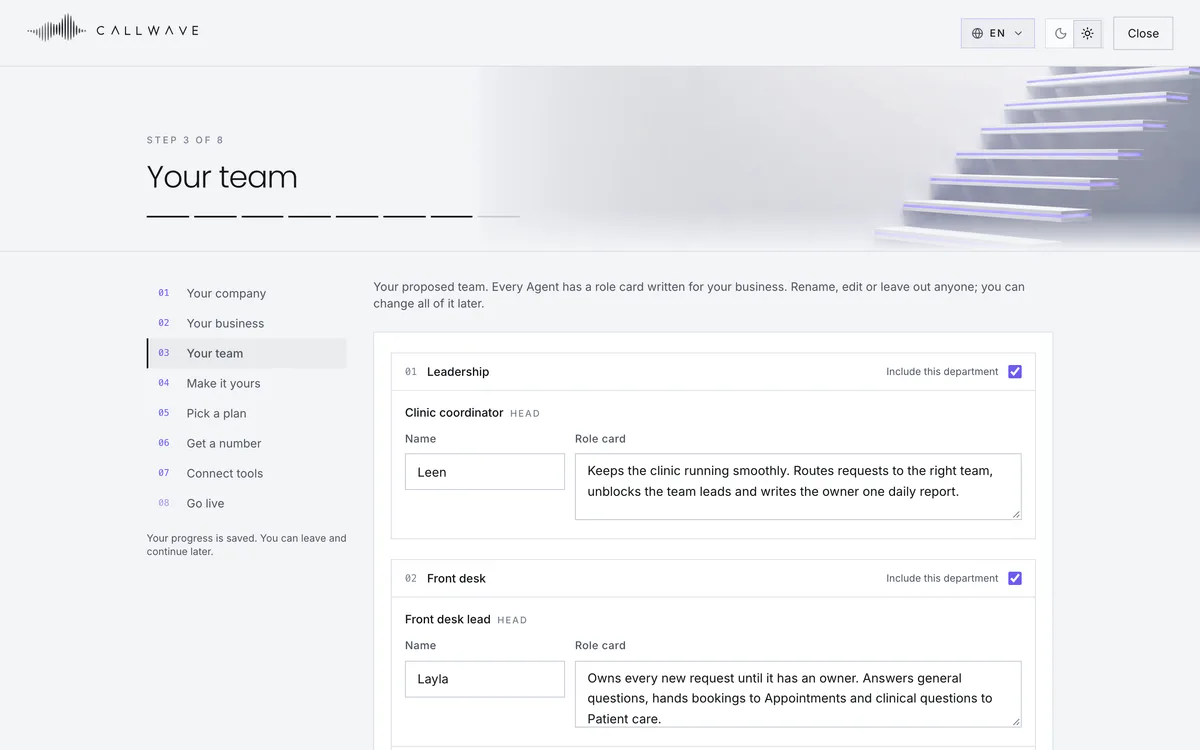
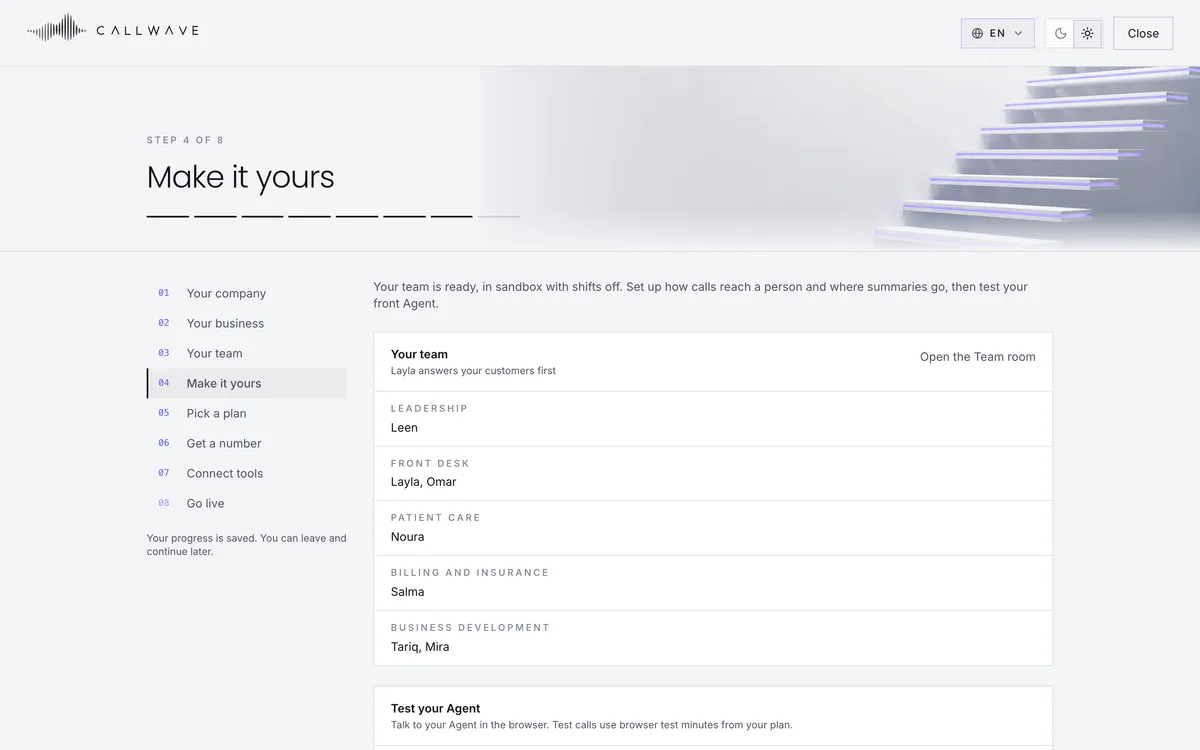
Tell Callwave about your business and it proposes a team written for it: departments, roles and who reports to whom. The Agents hand work to each other, ask a colleague when they are unsure, and check with you before anything reaches a customer. Every team starts in practice mode until you switch it live.
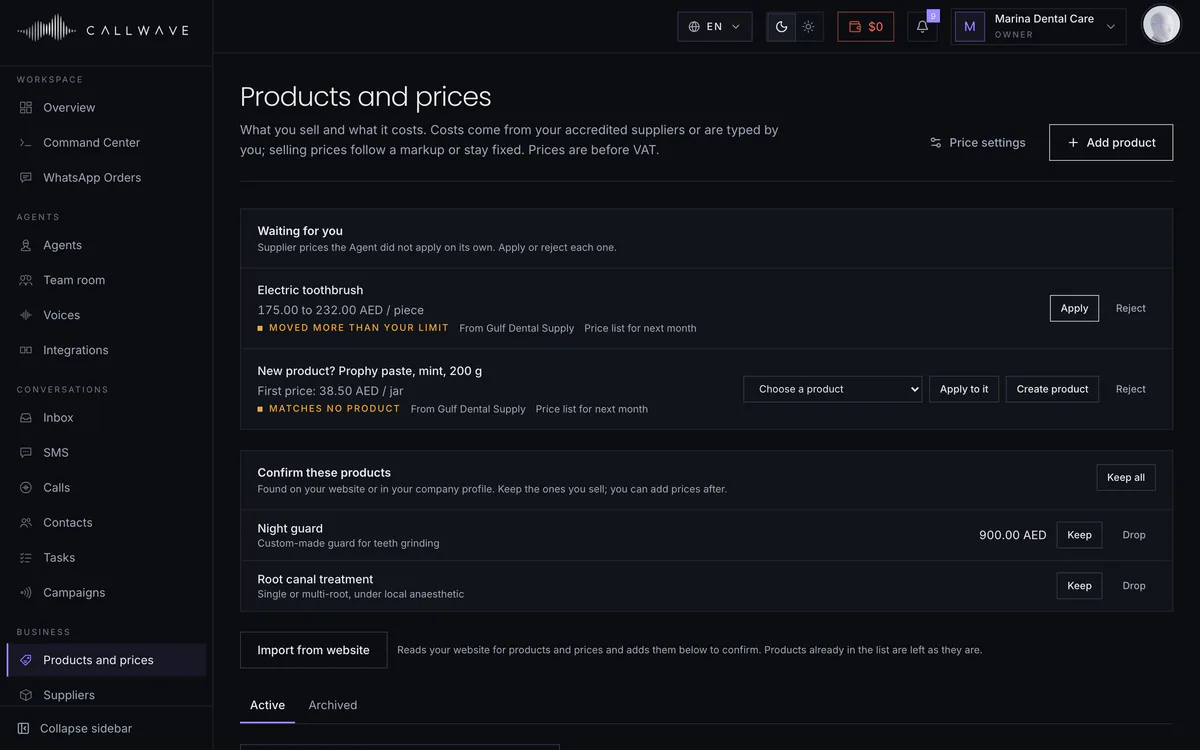
Products and prices
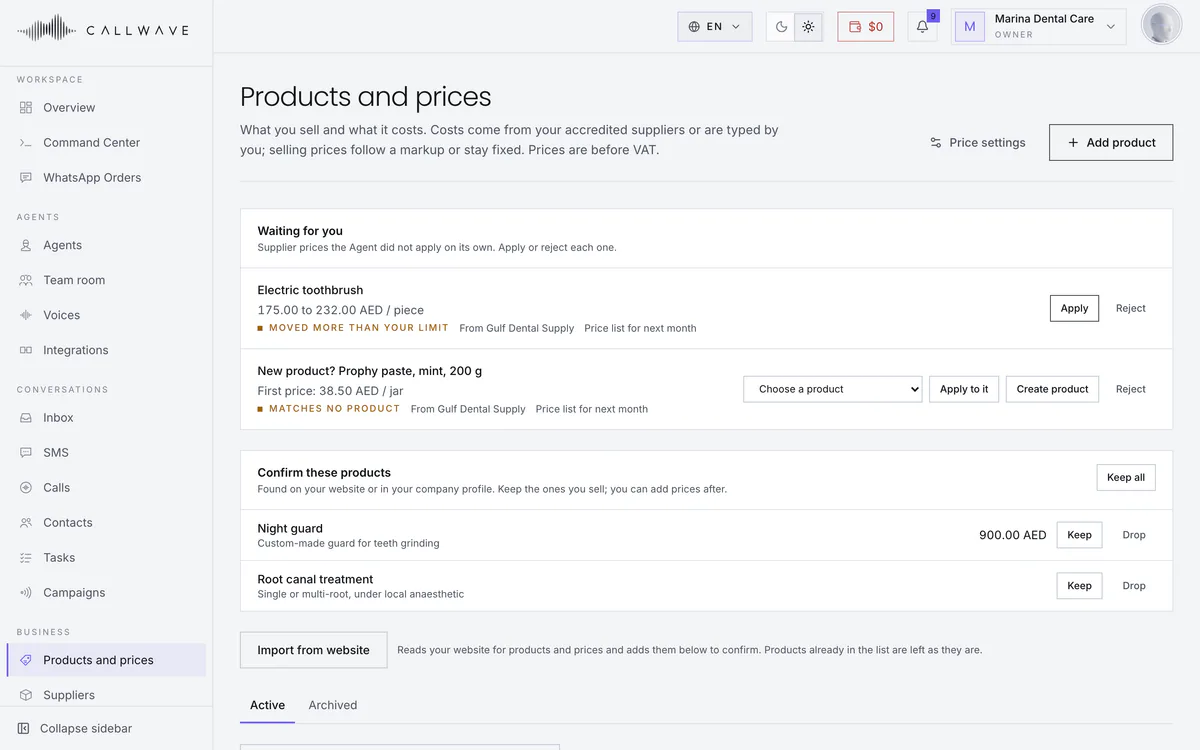
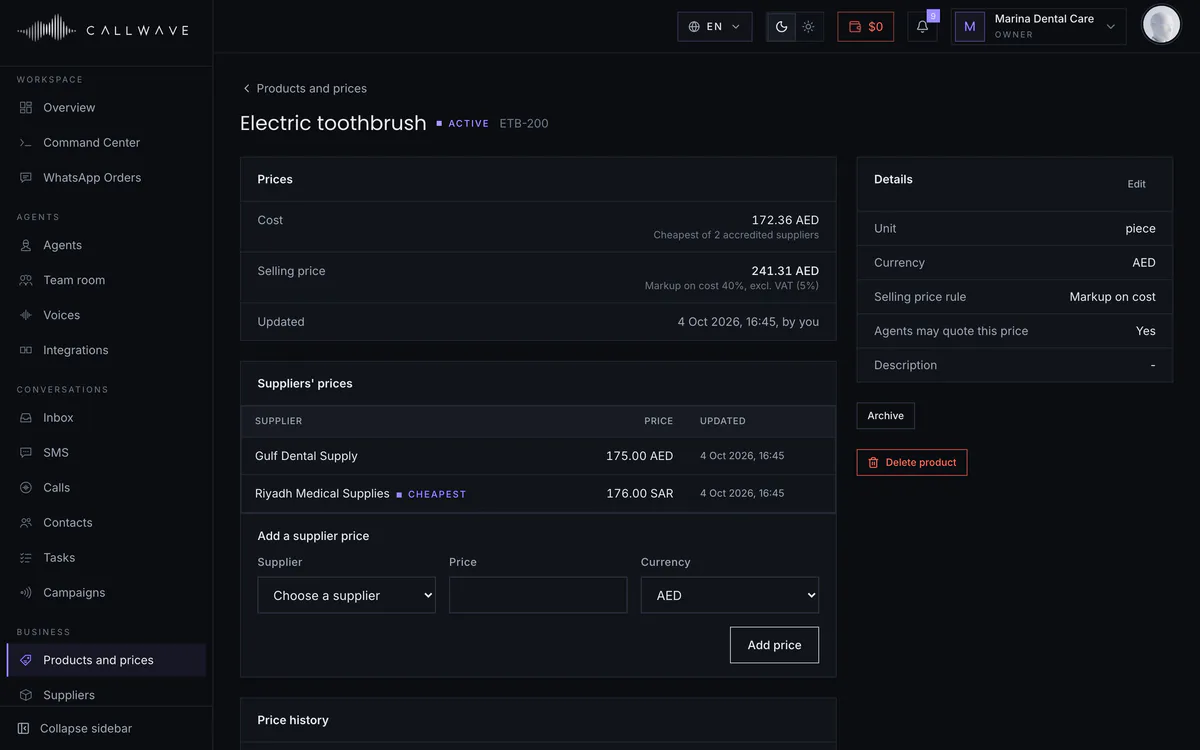
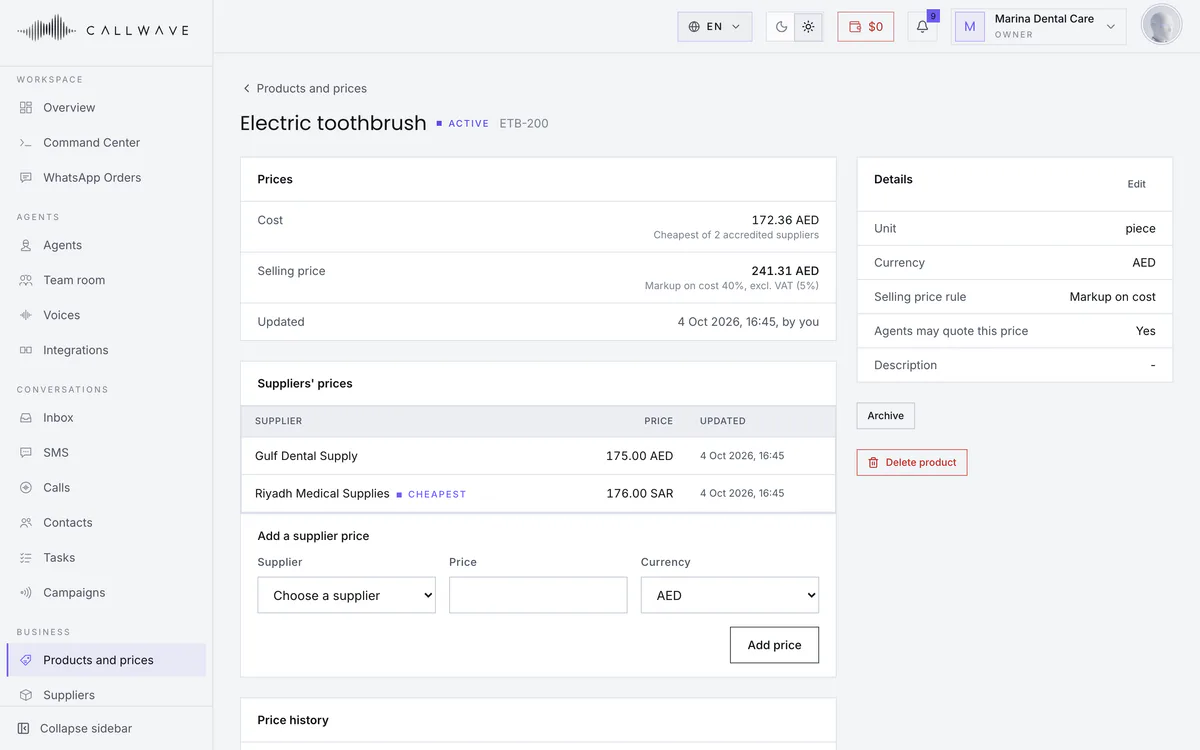
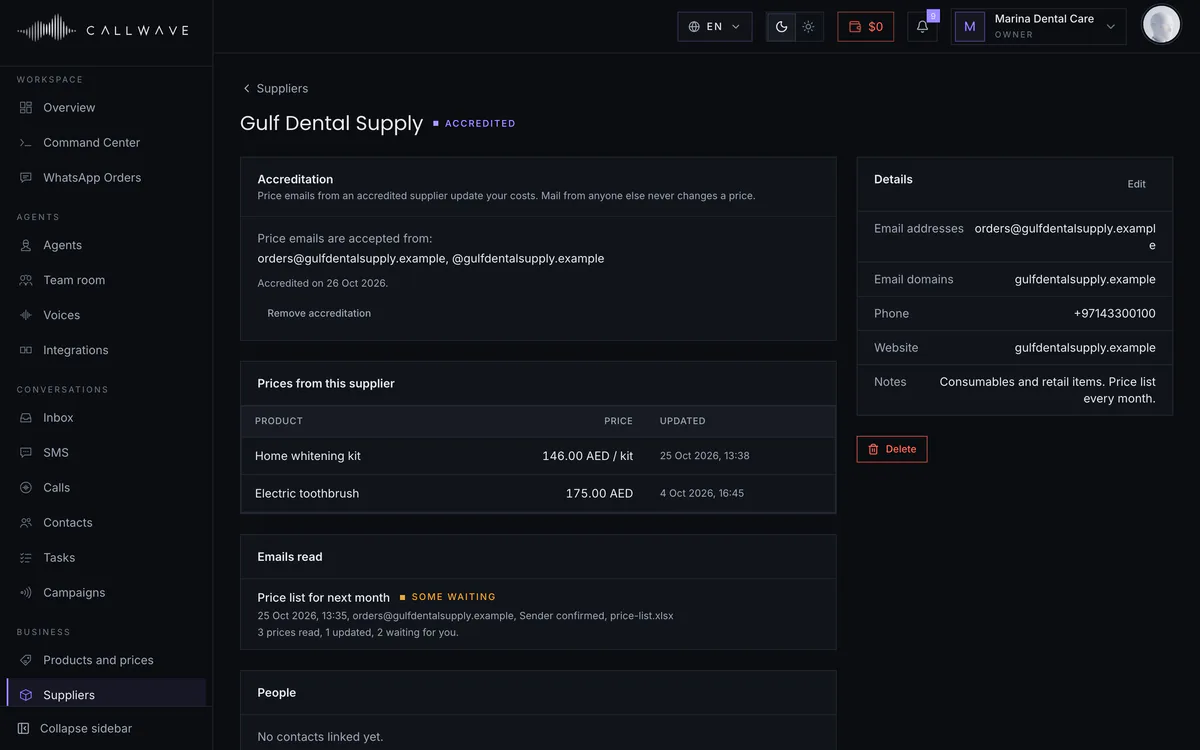
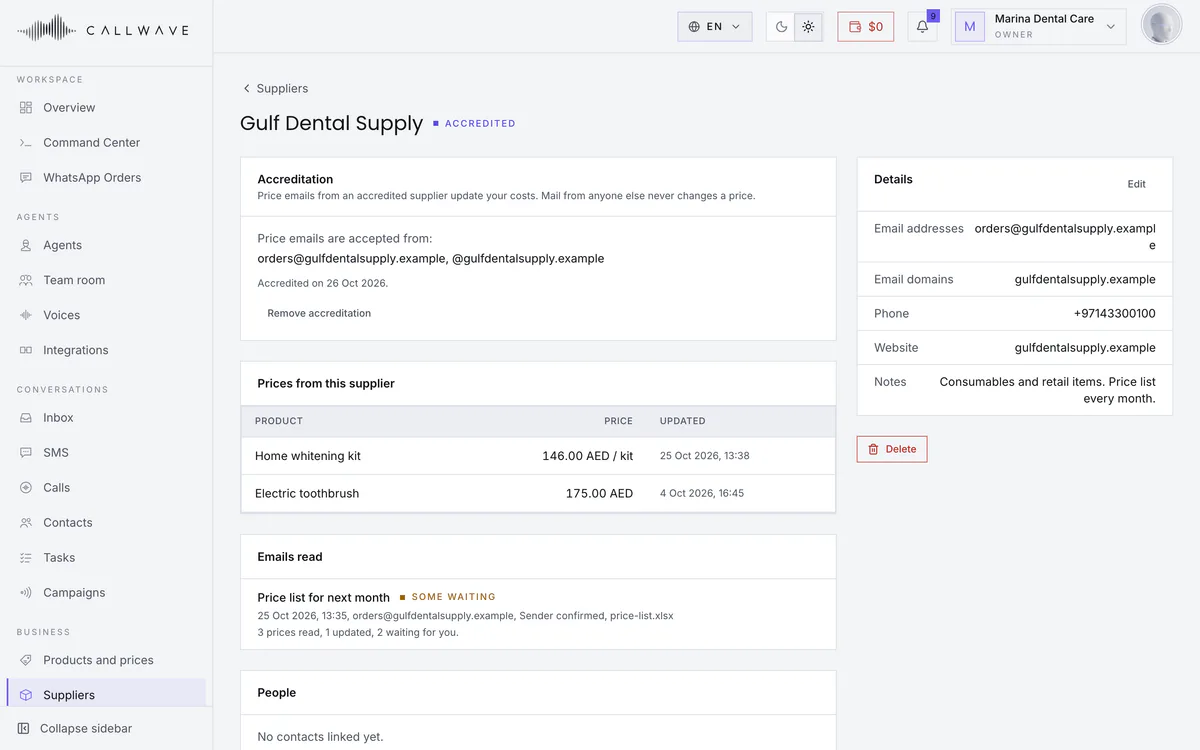
Your products and prices live in Callwave. Setup reads them from your website, your accredited suppliers' price emails keep the costs current, and your Agents quote the right price on calls and WhatsApp, saying VAT the same way every time.
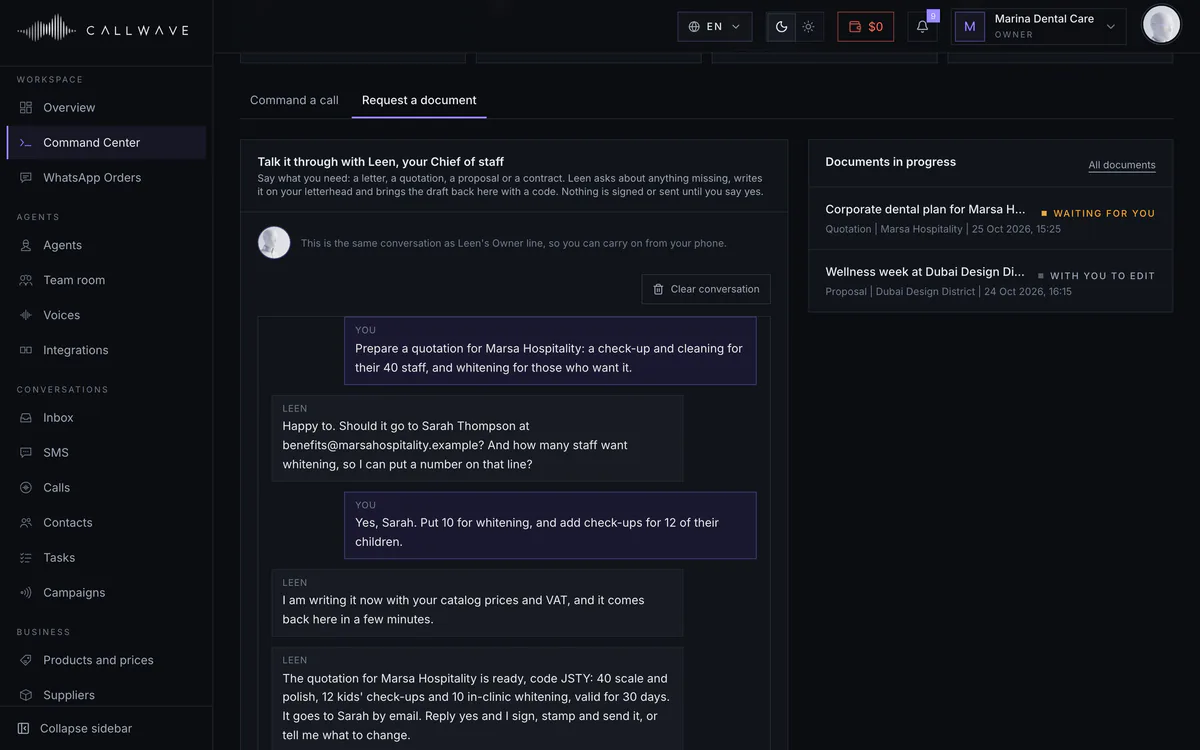
Documents
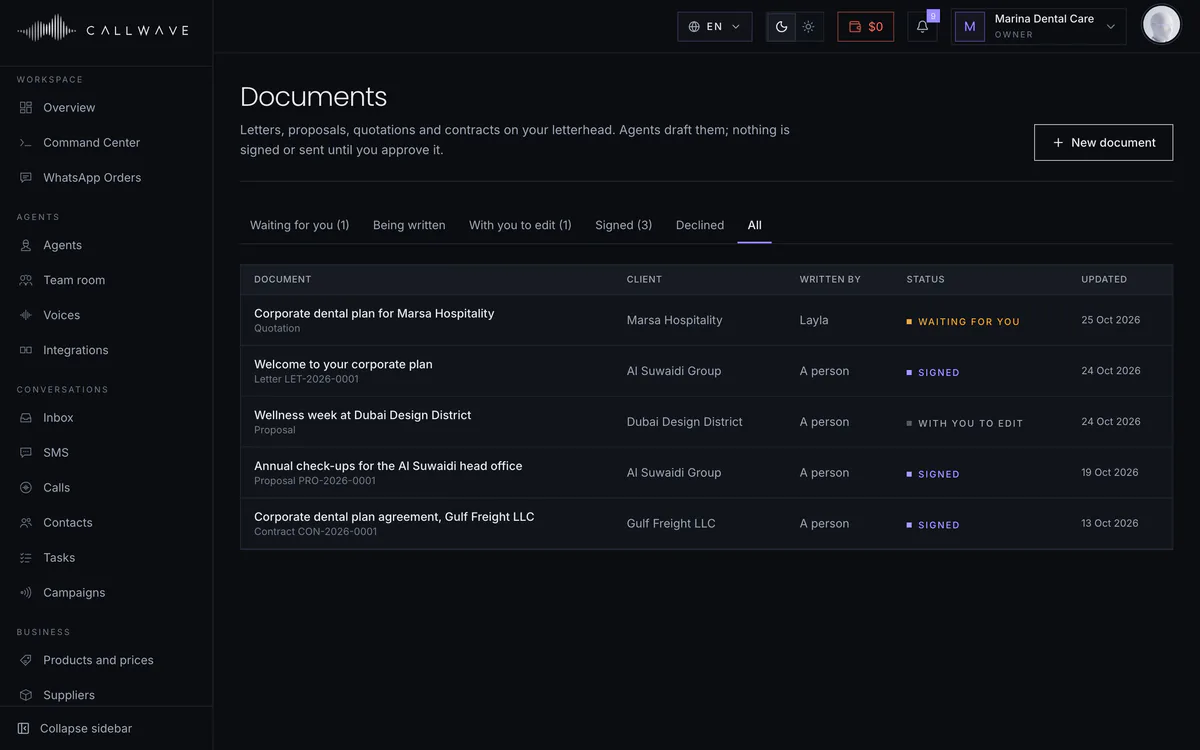
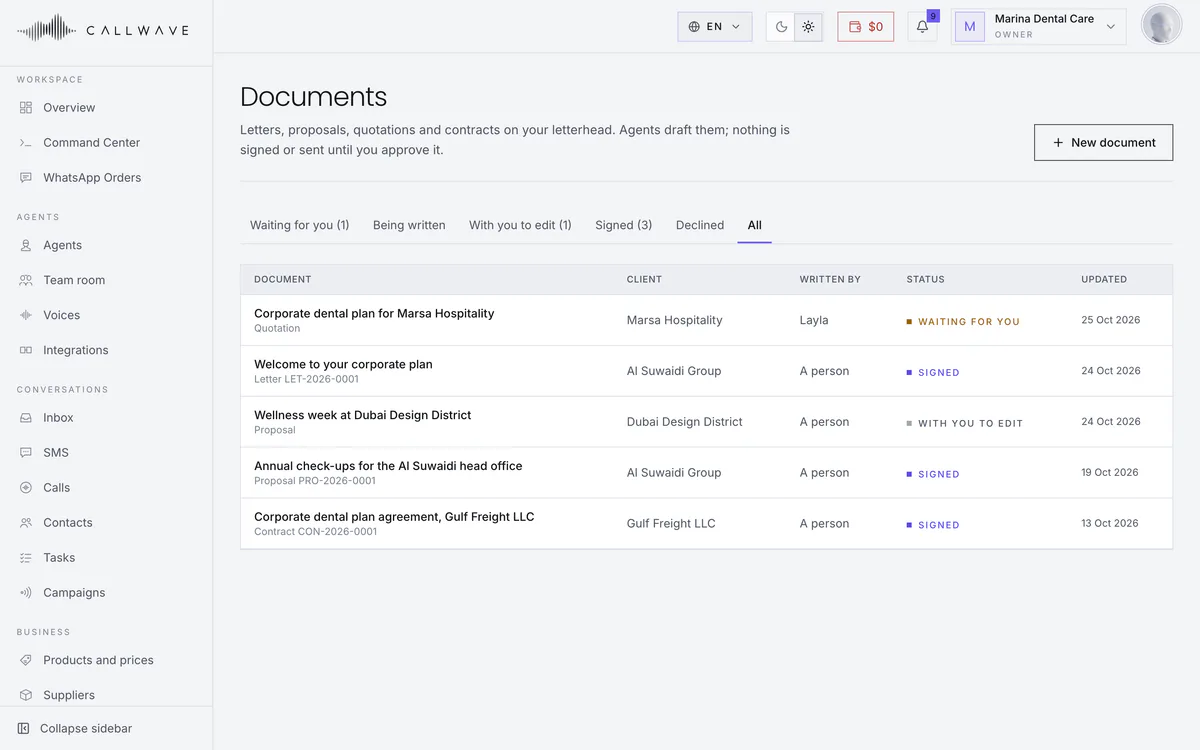
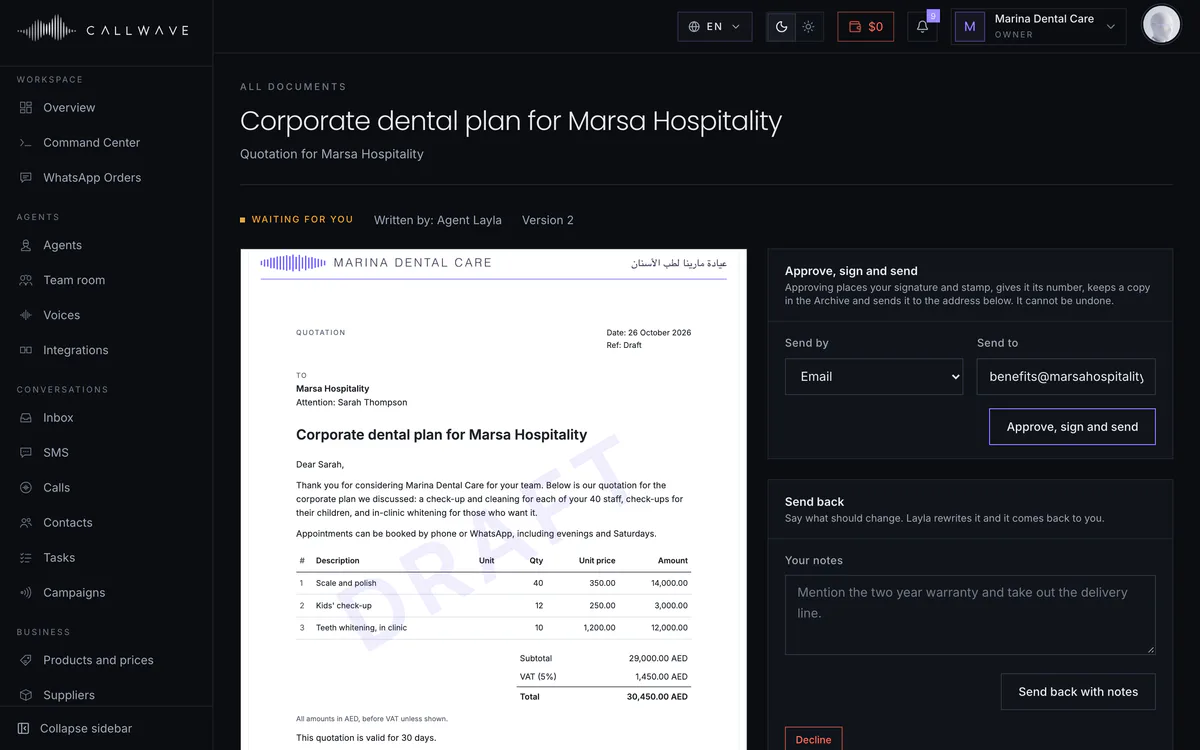
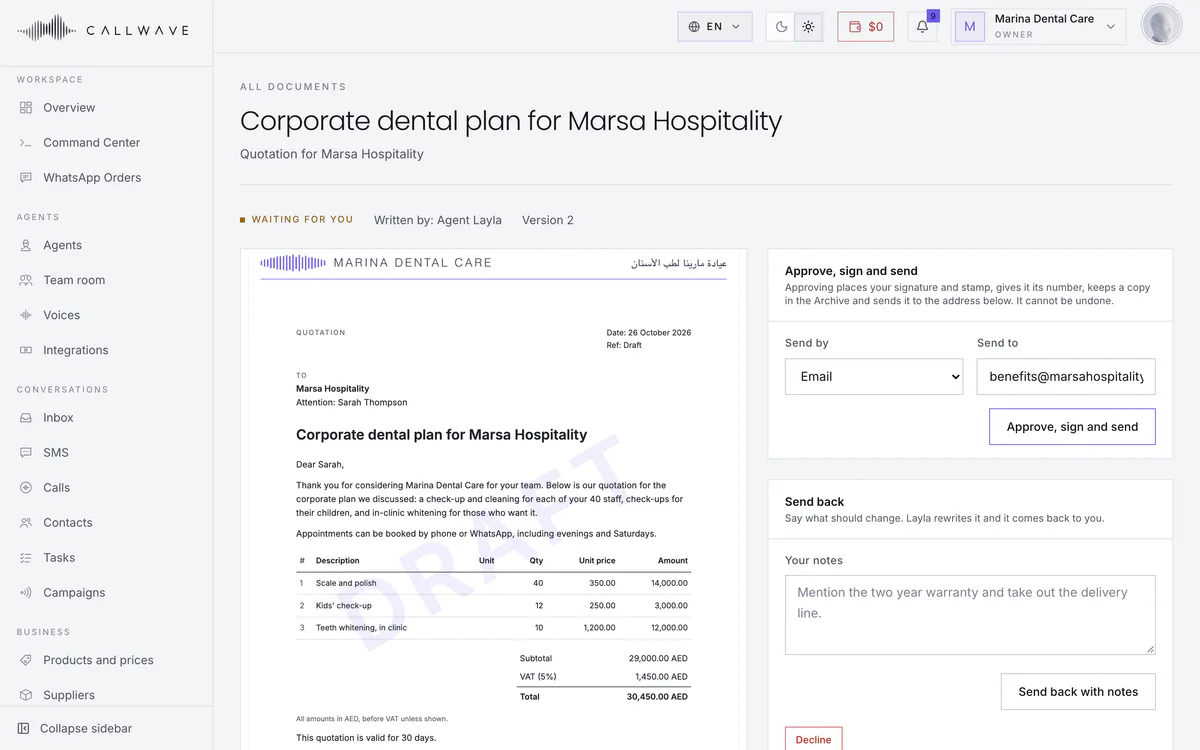
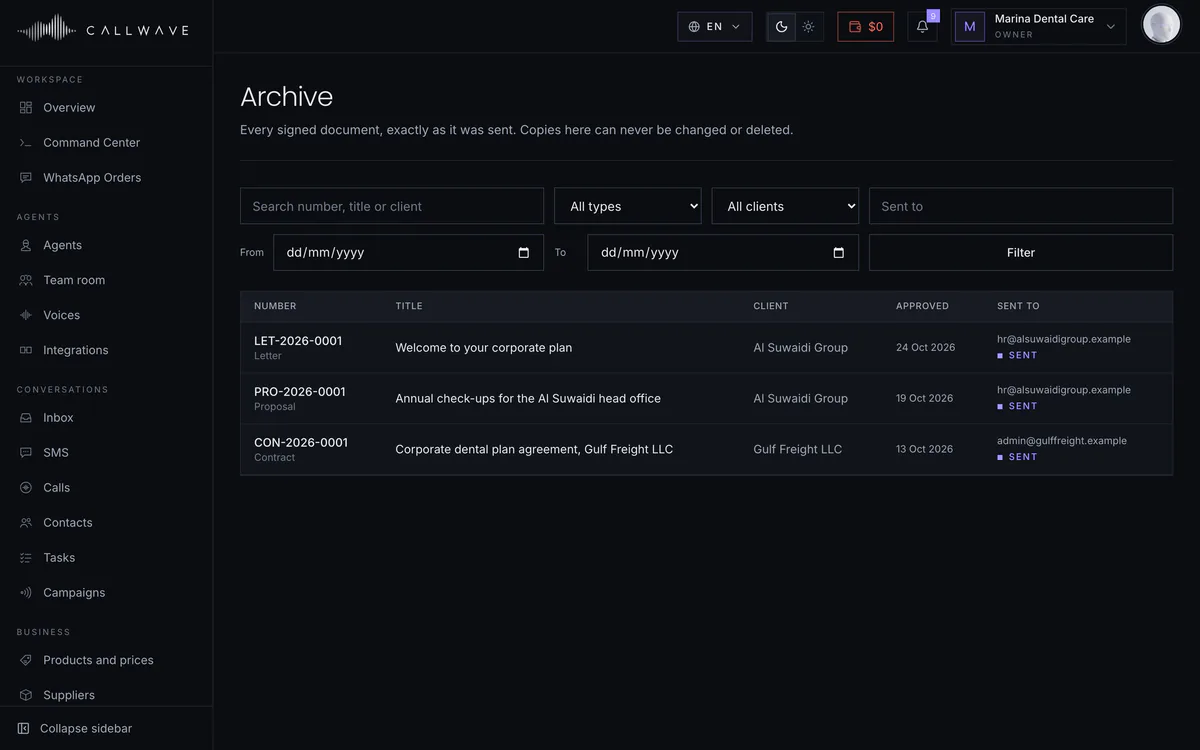
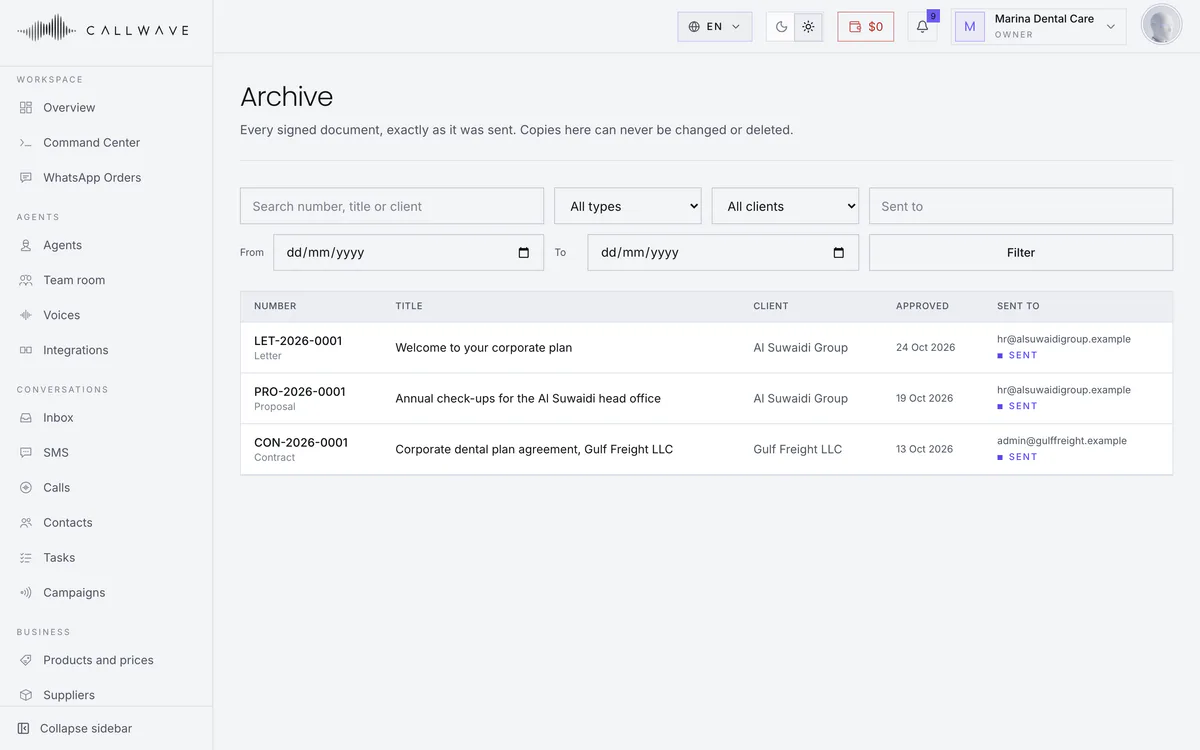
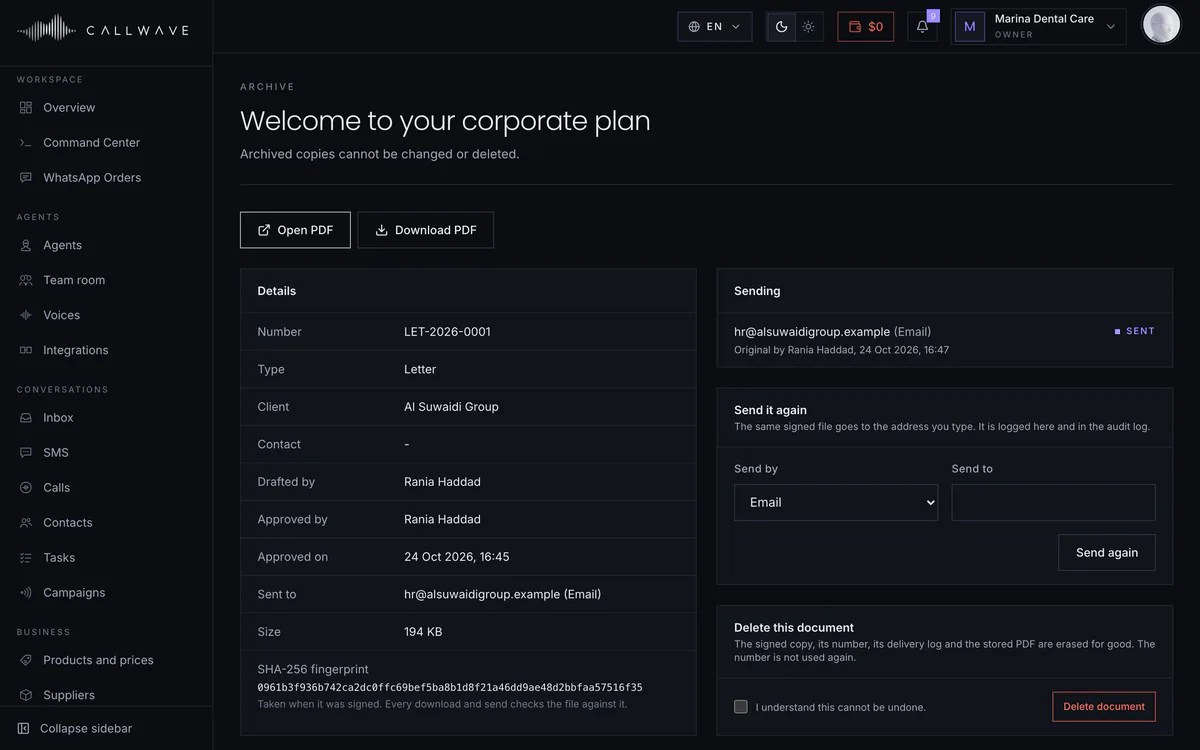
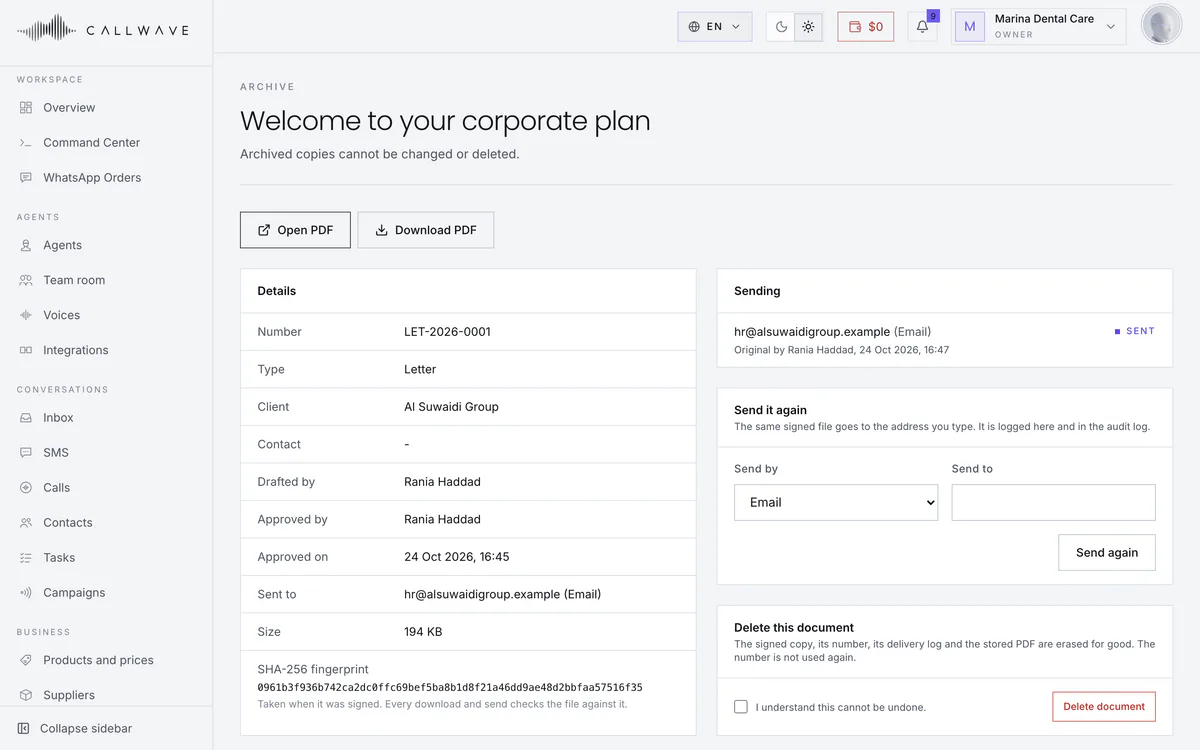
Ask your Chief of staff for a letter, proposal, quotation or contract in the Command Center, the way you would ask a colleague. It asks about anything missing, drafts it on your letterhead with prices from your price list, and brings the draft back to the chat. You approve it, and only then are your signature and stamp added and the PDF sent by email or WhatsApp. Every signed copy is kept in the Archive, exactly as it was sent.
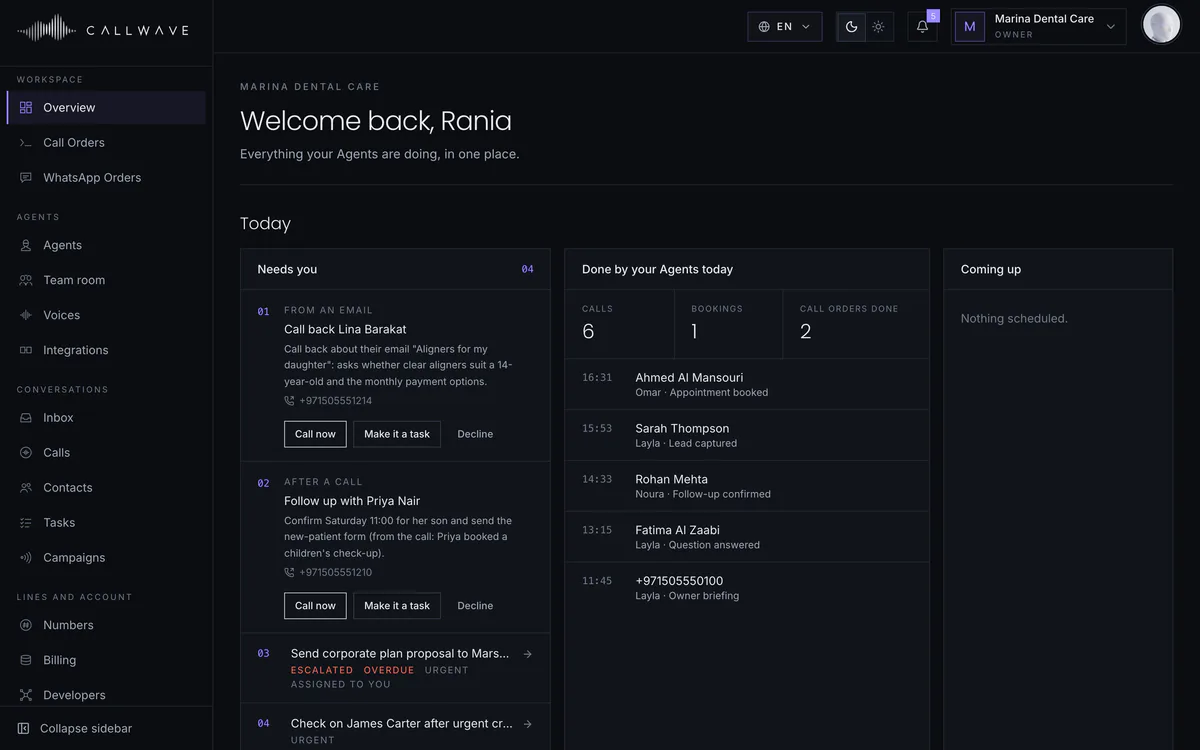
Inside Callwave
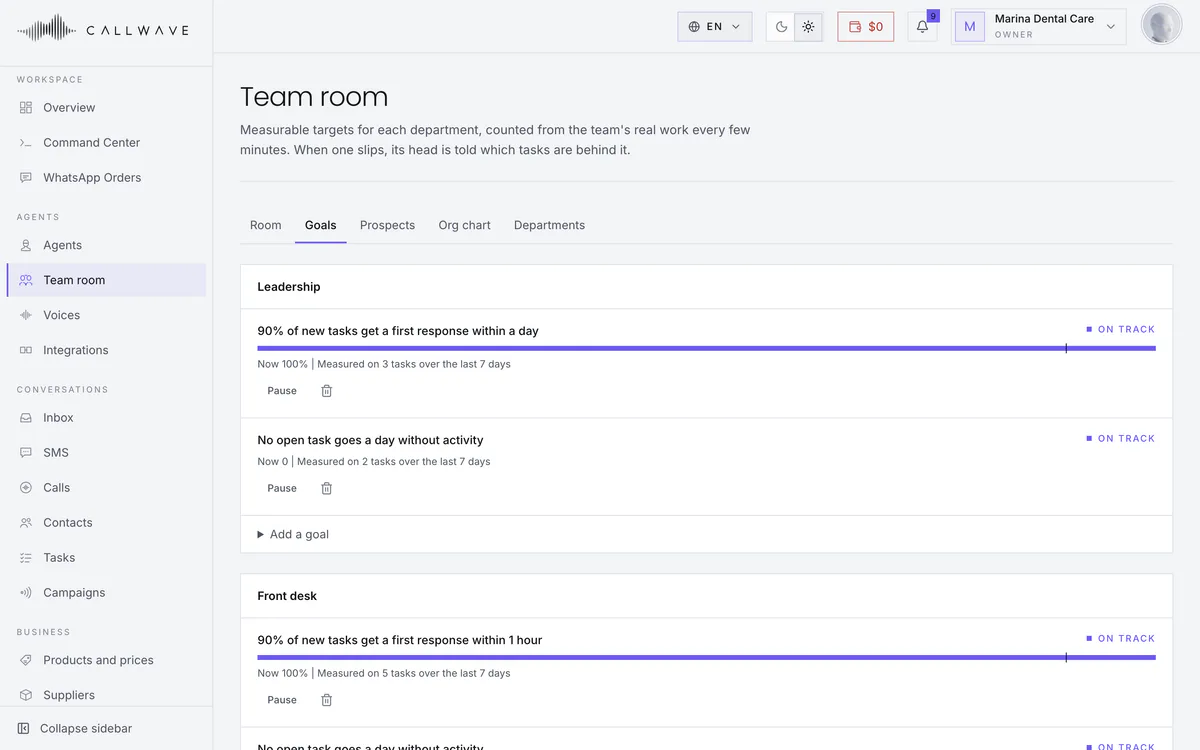
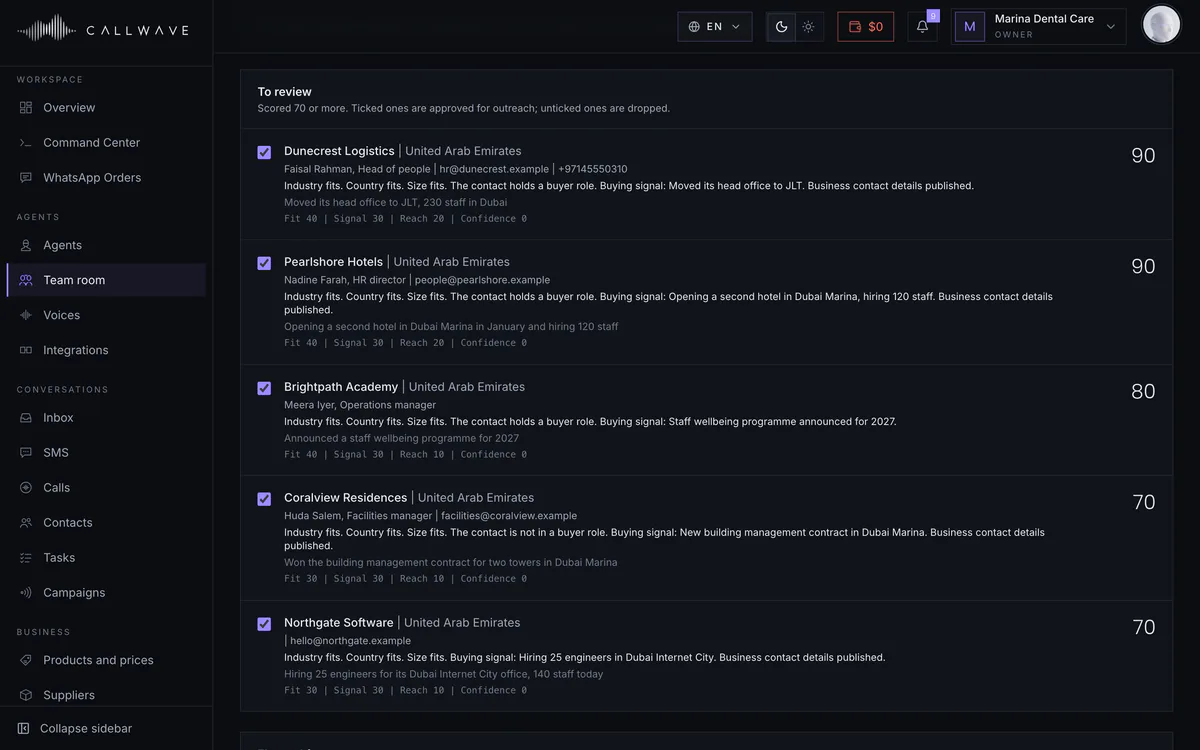
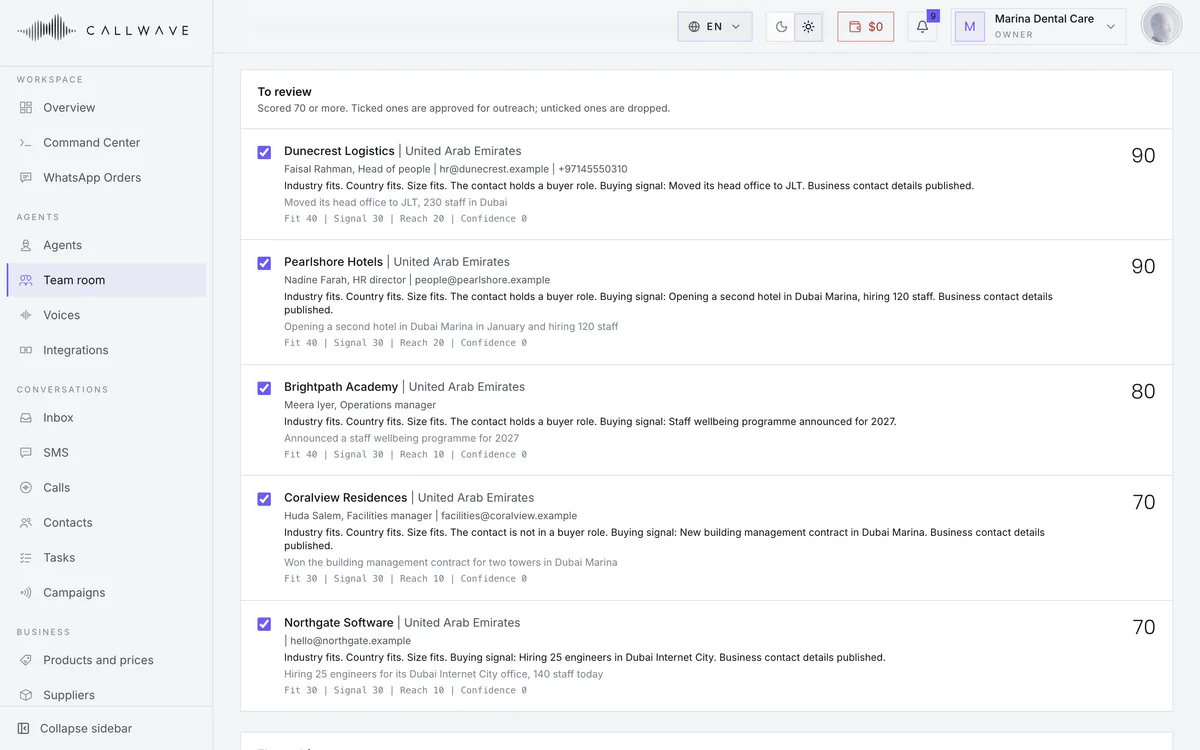
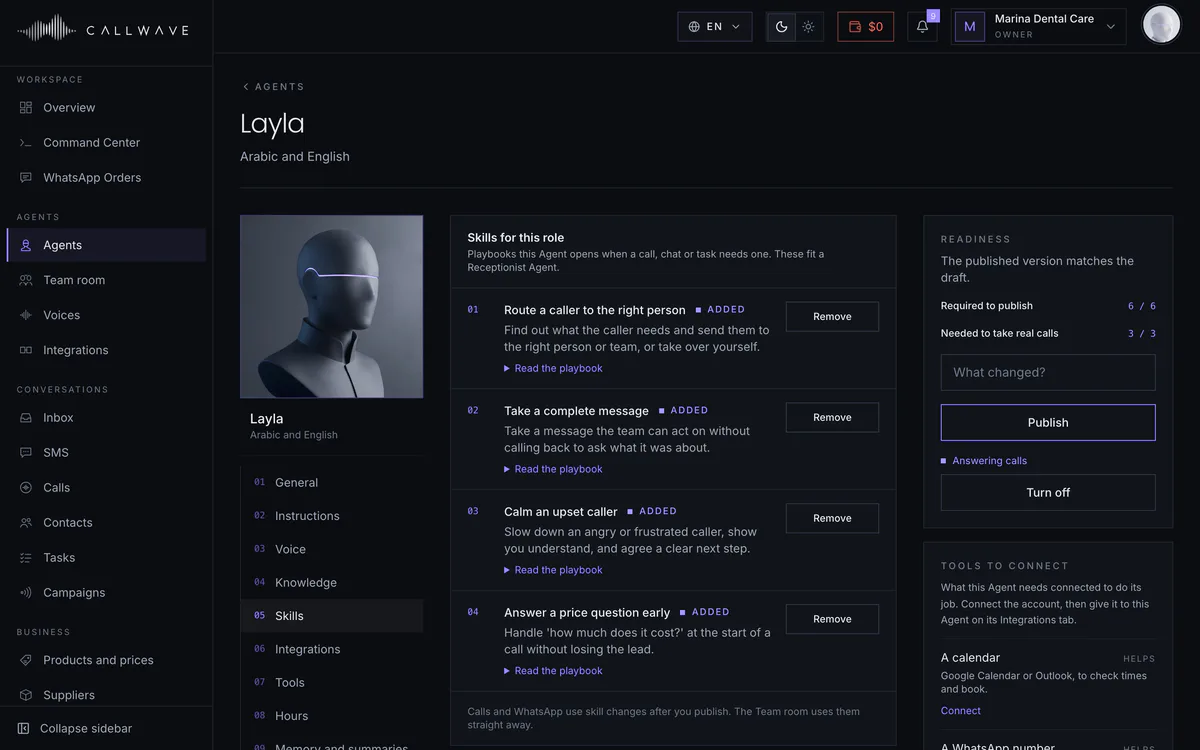
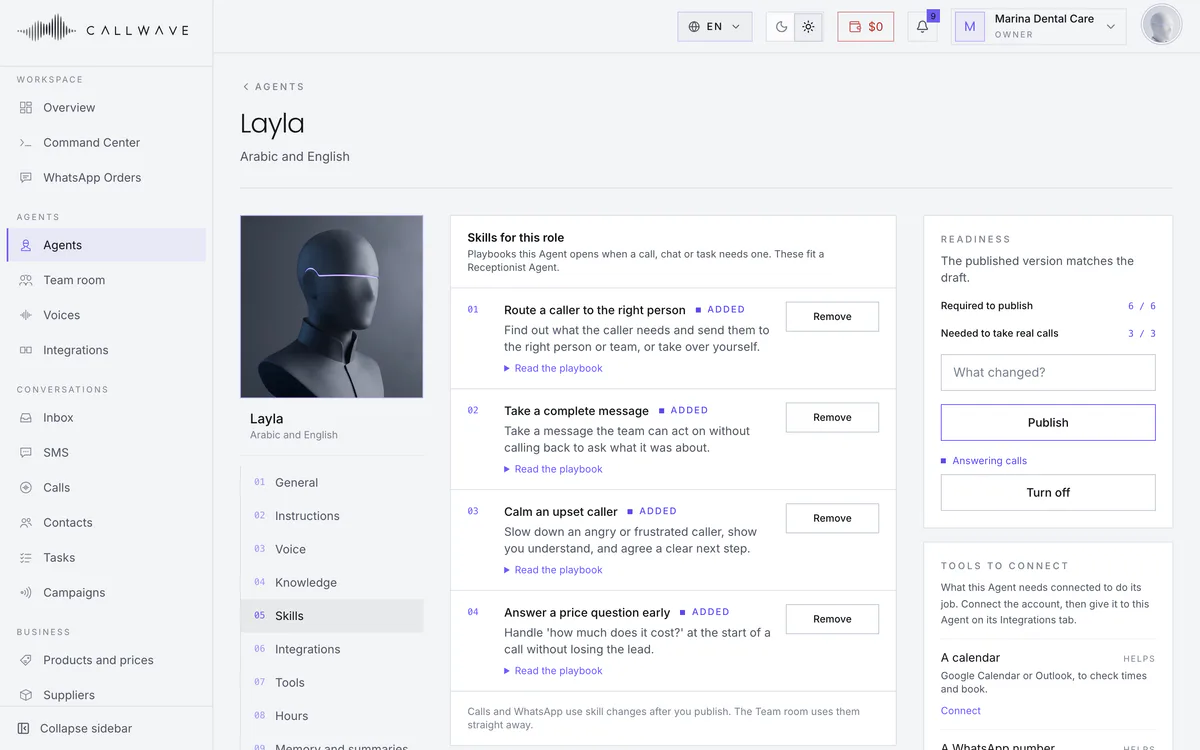
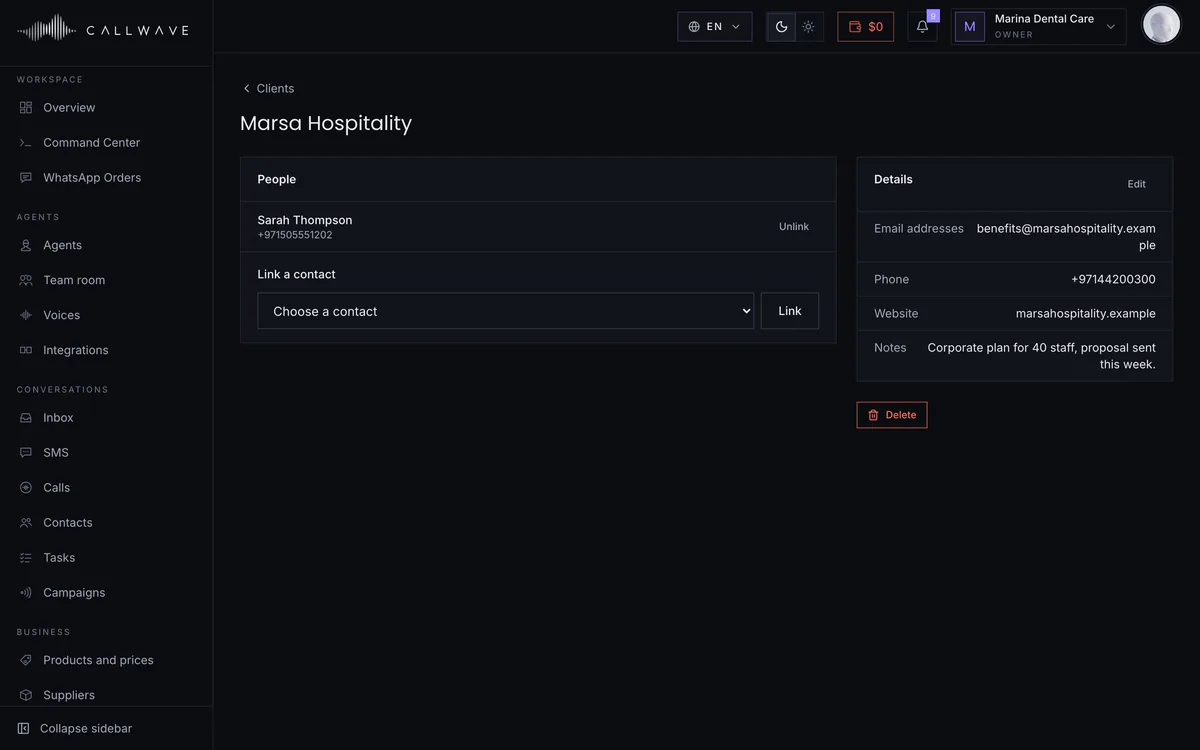
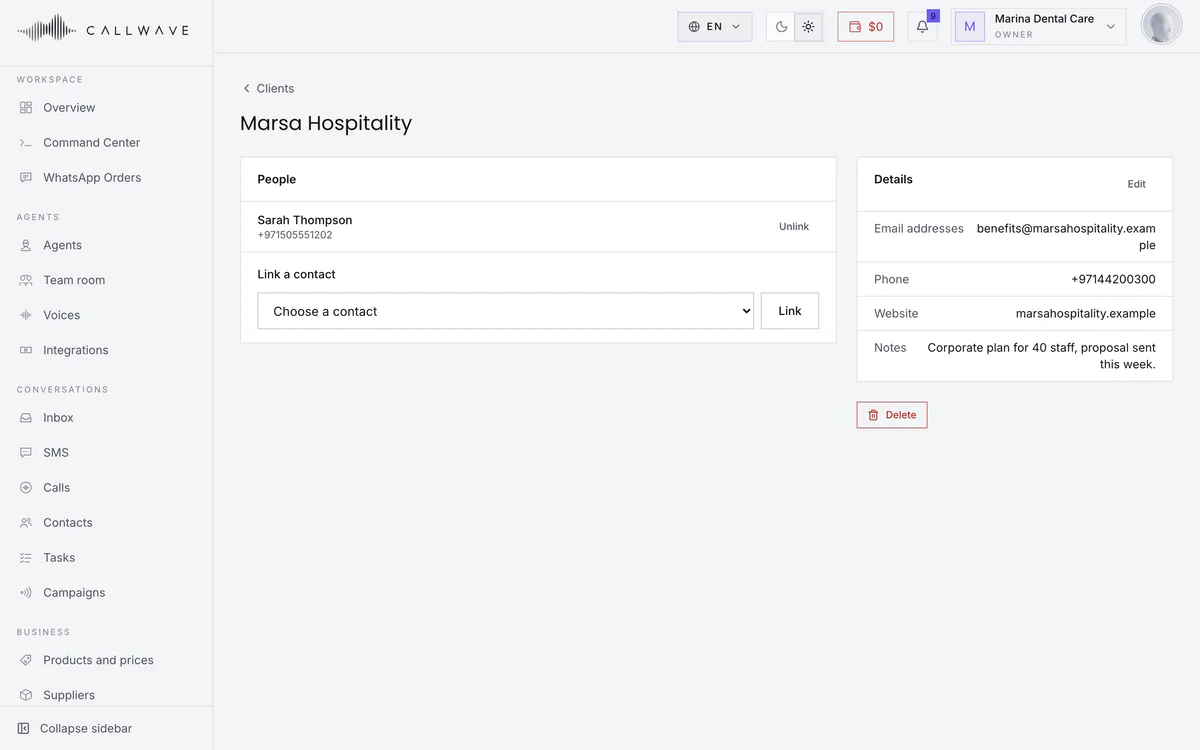
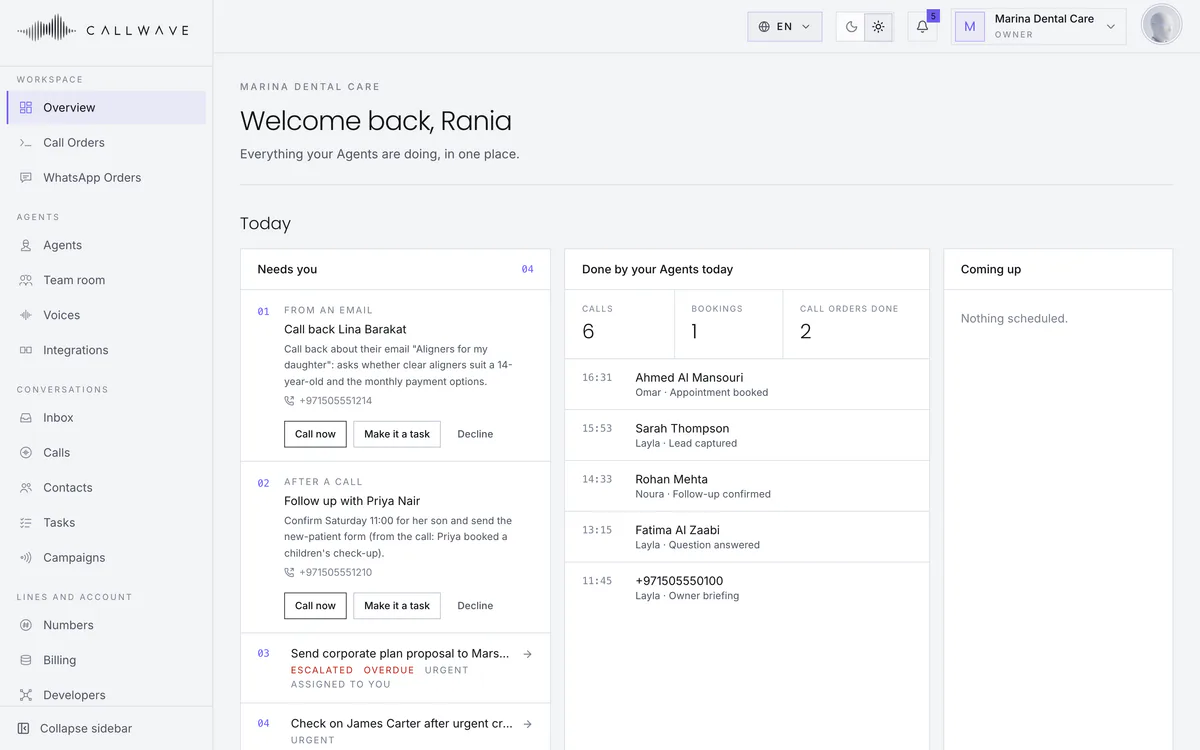
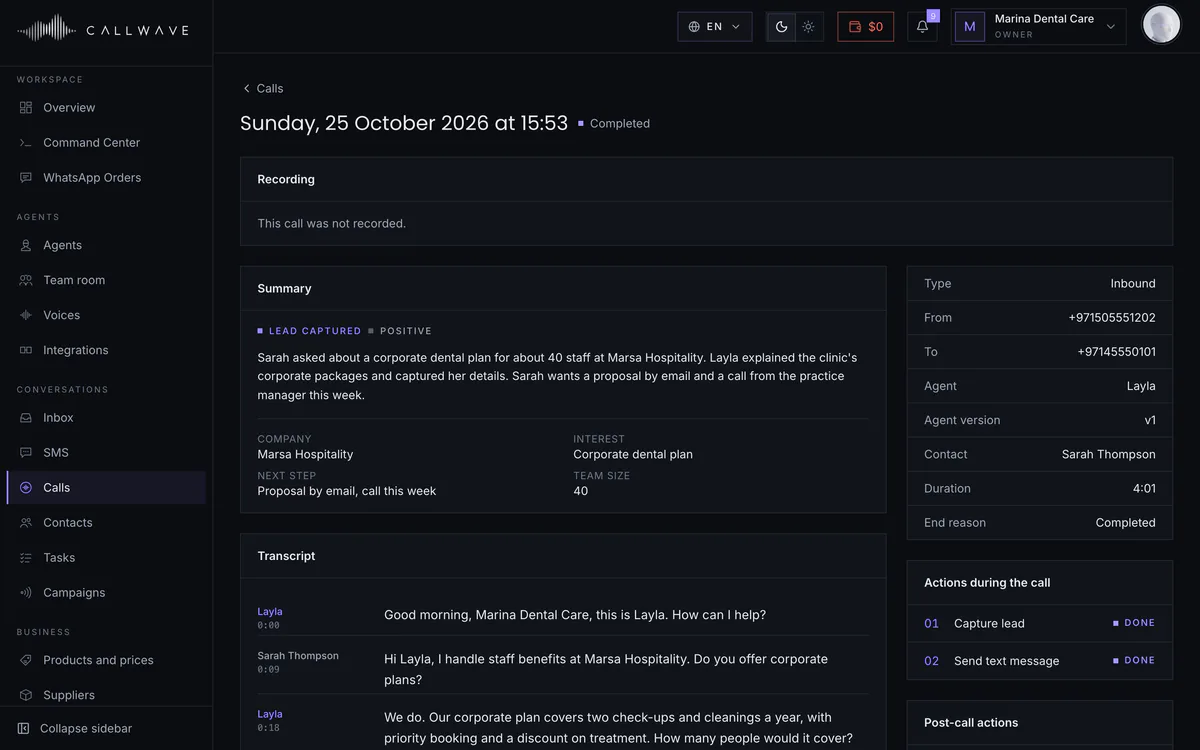
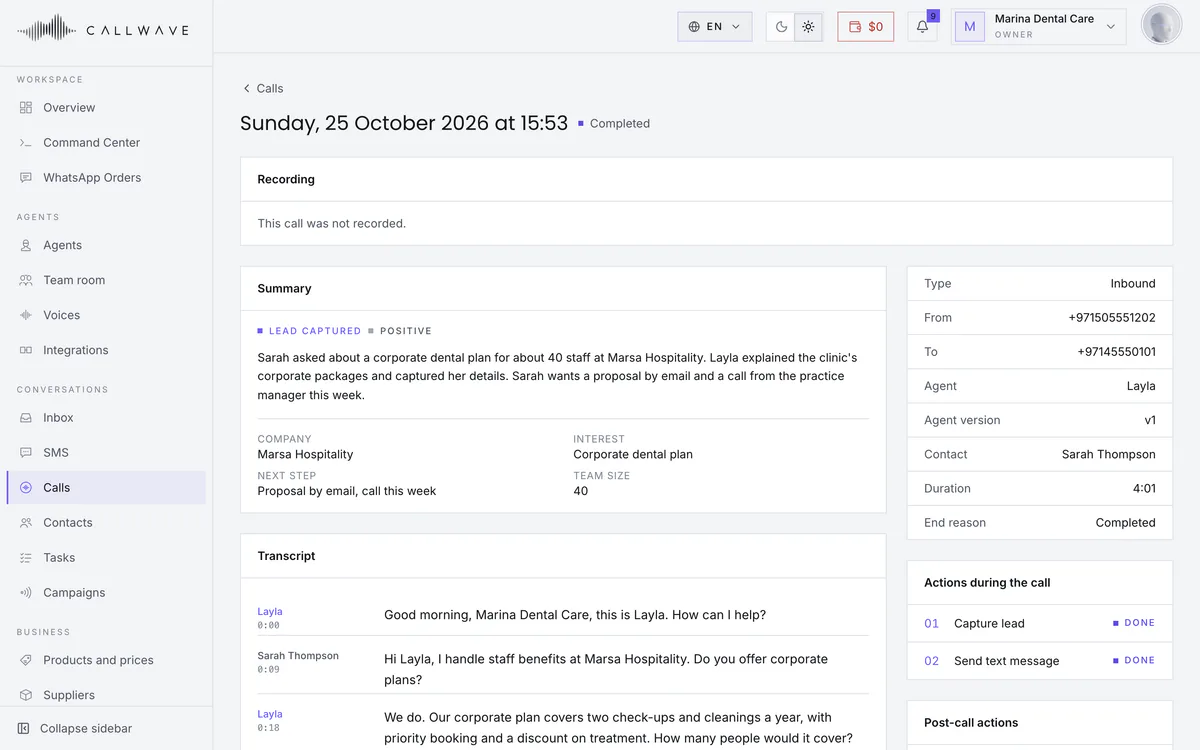
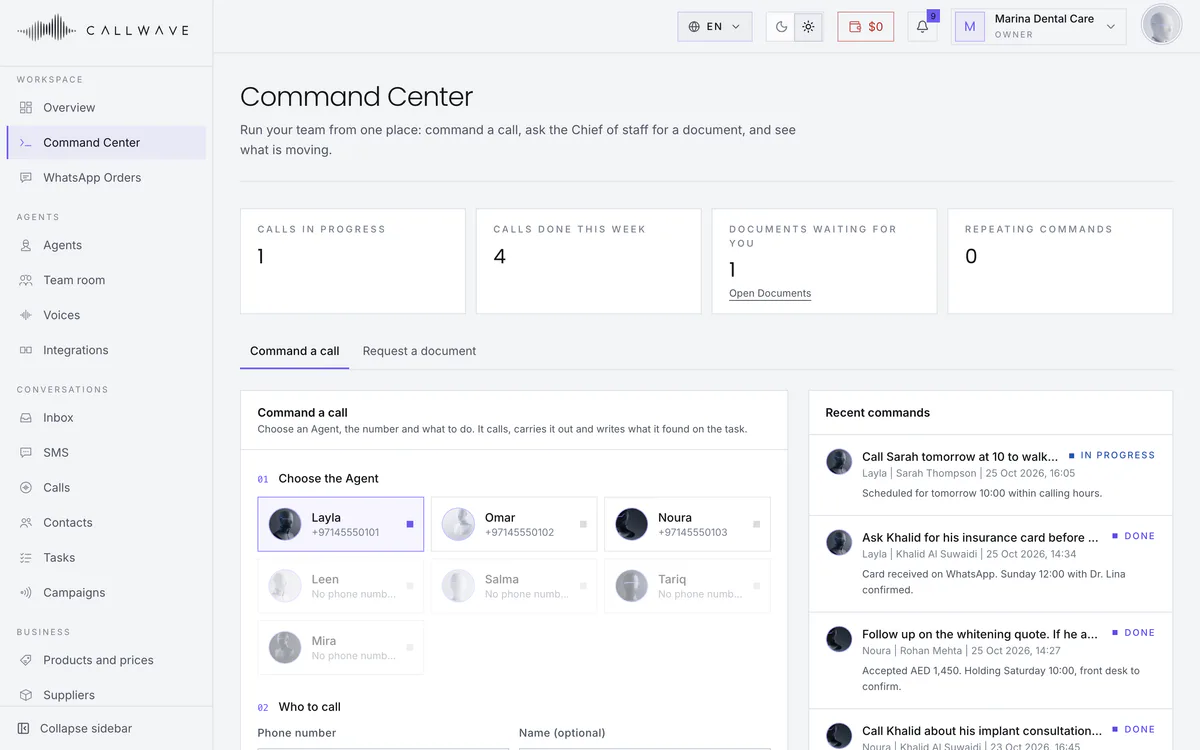
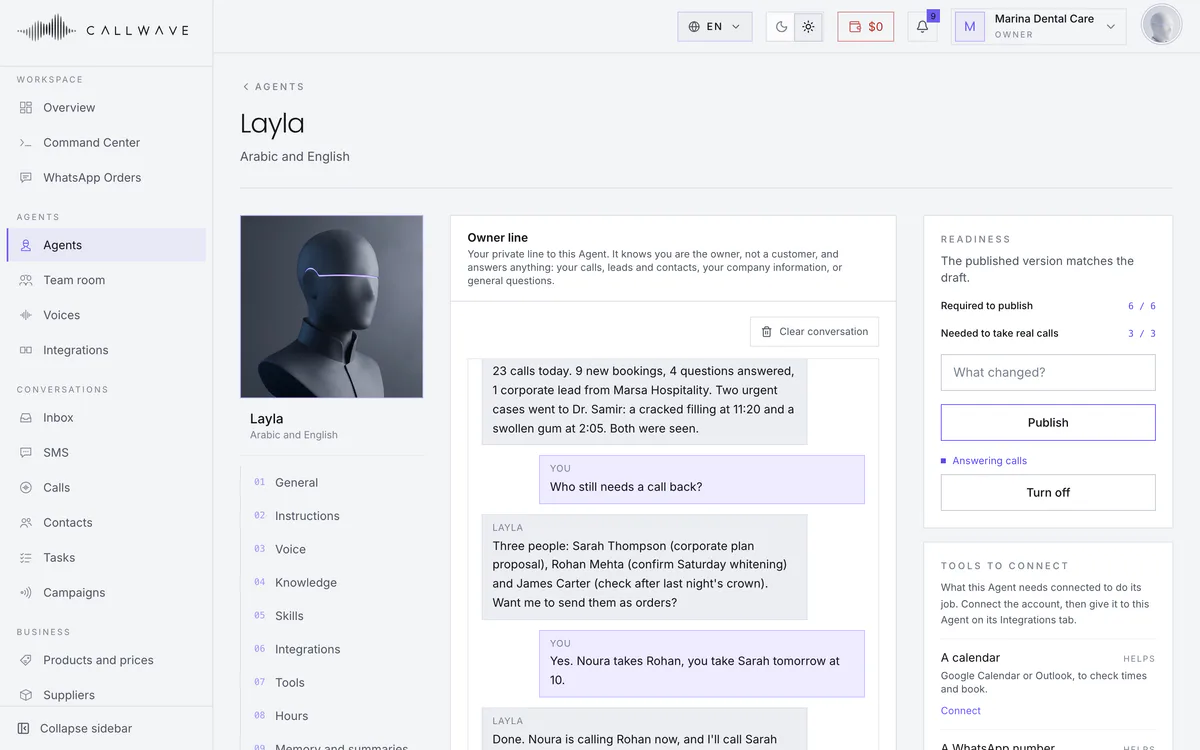
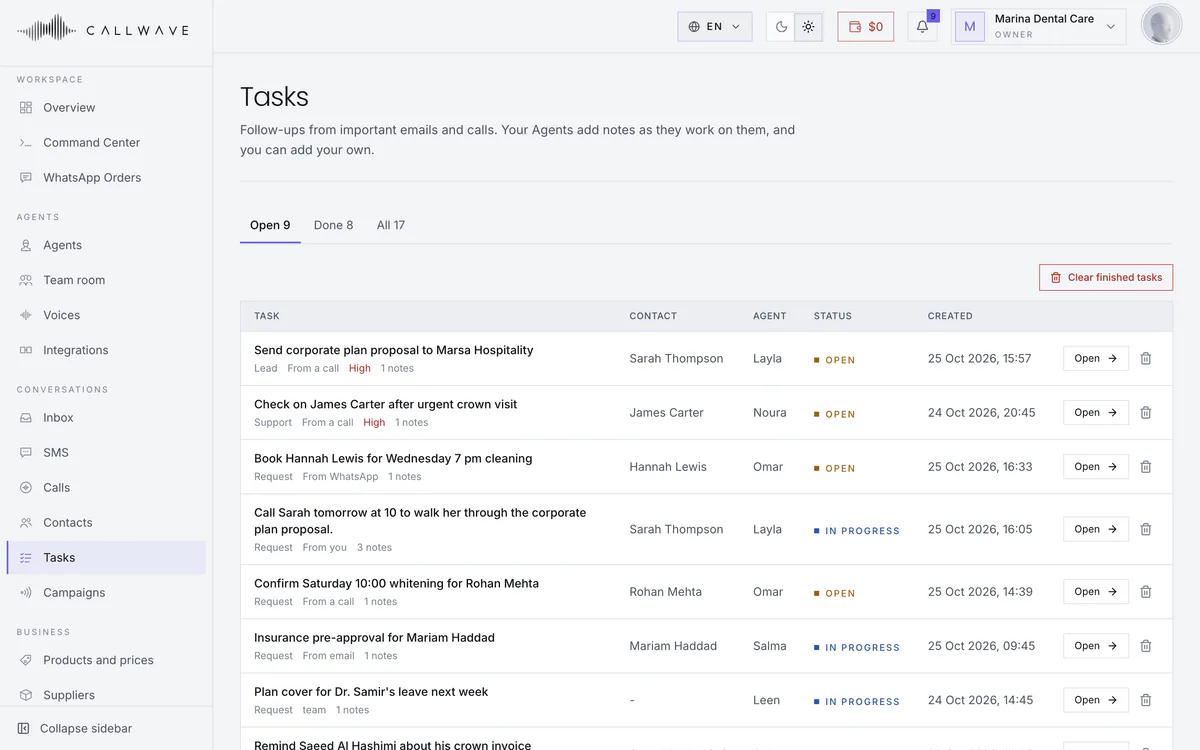
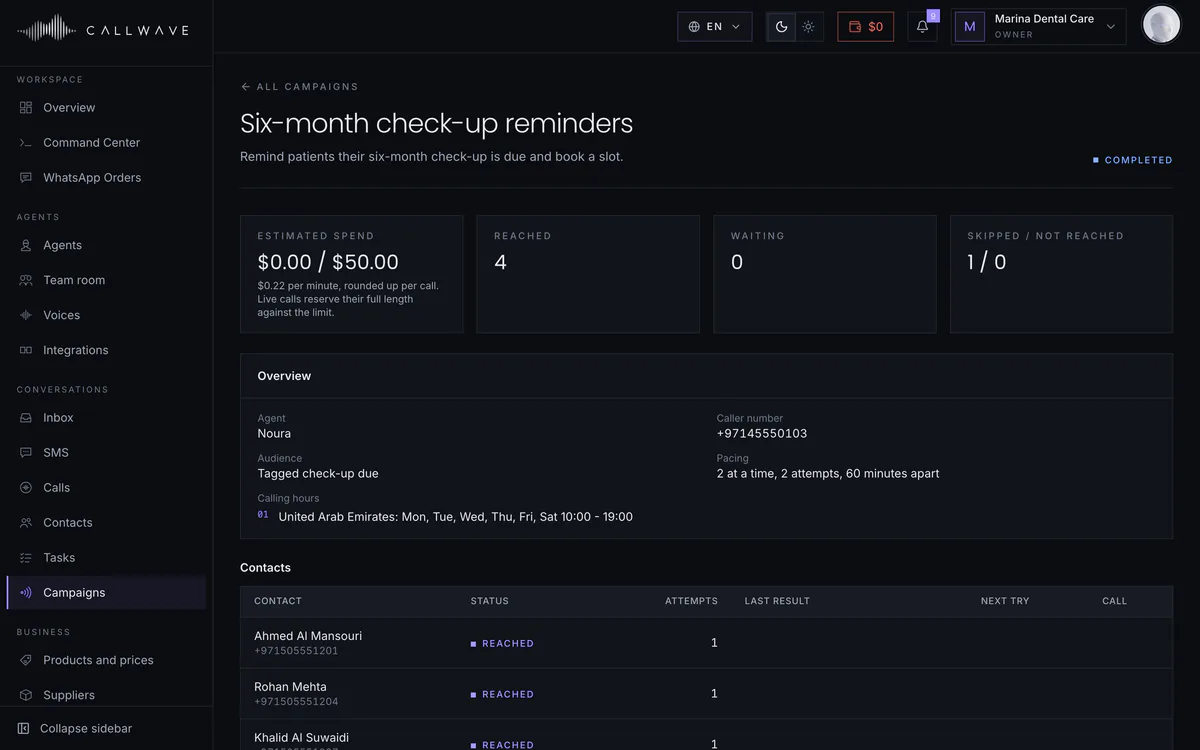
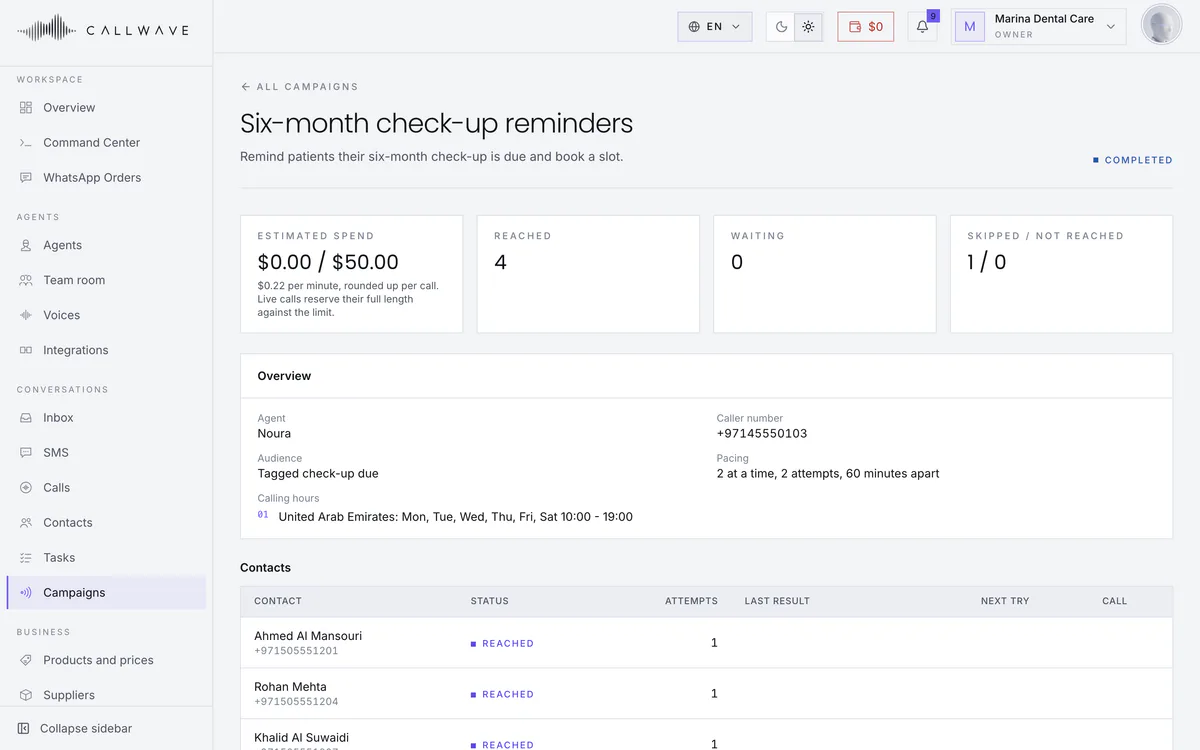
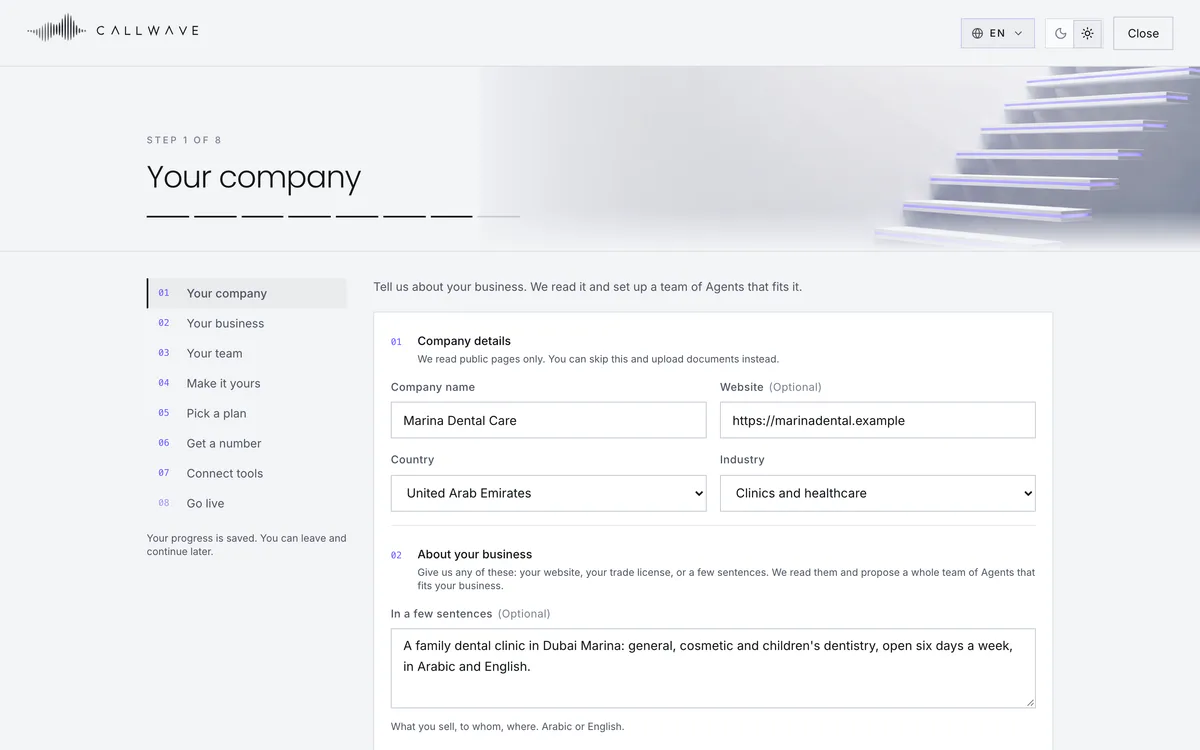
Real screens from the product, filled with a sample dental clinic. Calls, WhatsApp, orders and follow-ups in one place, updating live, in Arabic and English, light or dark.
What your Agent works with




0104
What your Agent works with
Give it your website address and it reads your public pages. Upload price lists, menus and policies as PDF, Word or text. The Agent answers from these and says so plainly when something is not covered.
Two sides of the same call

Your side

Your caller's side
How it works
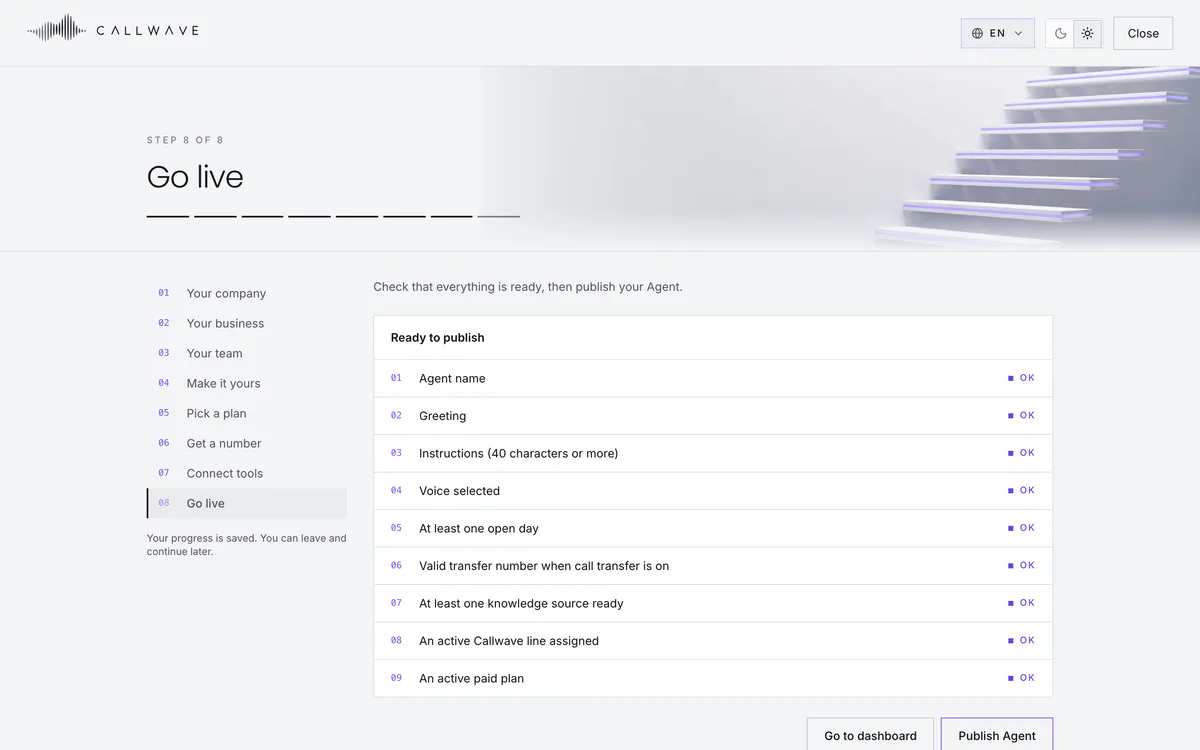
Eight short steps, saved as you go. Most of it takes an afternoon. The phone number takes longer, because Gulf regulators register business numbers before they go live, so you build and test everything while that runs.
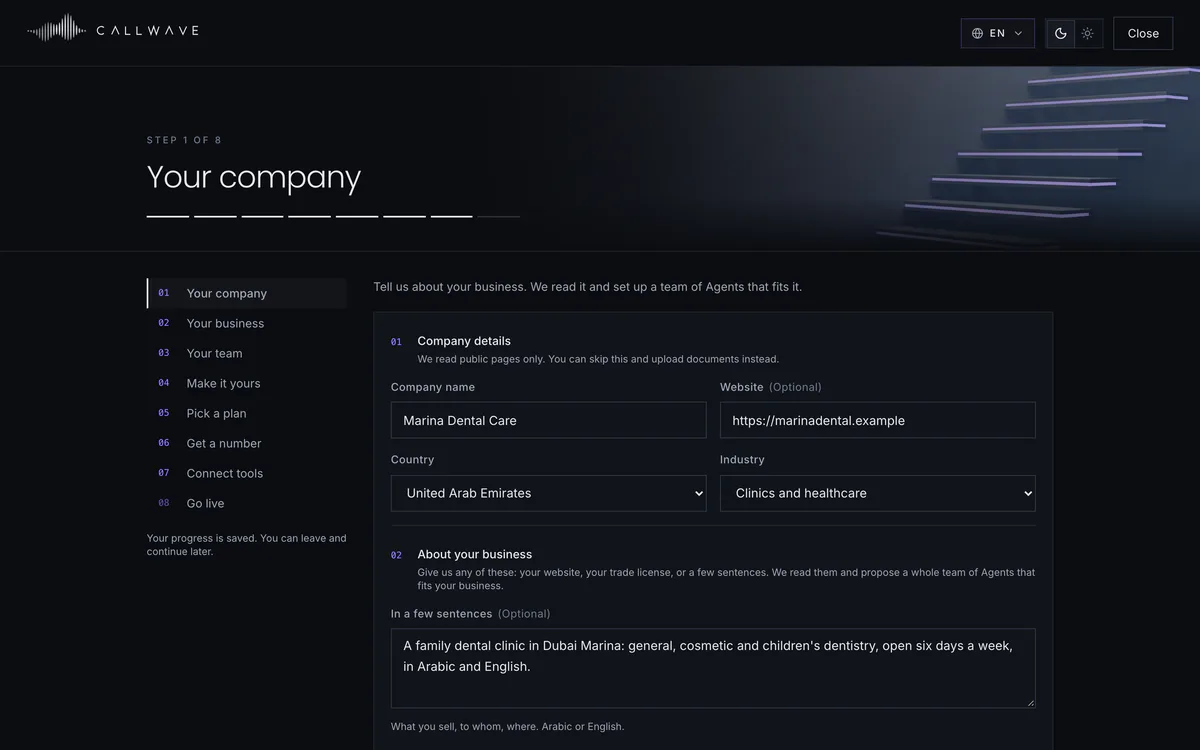
Your website, your trade license, or a few sentences about what you do. We read it into a short business profile you can correct.
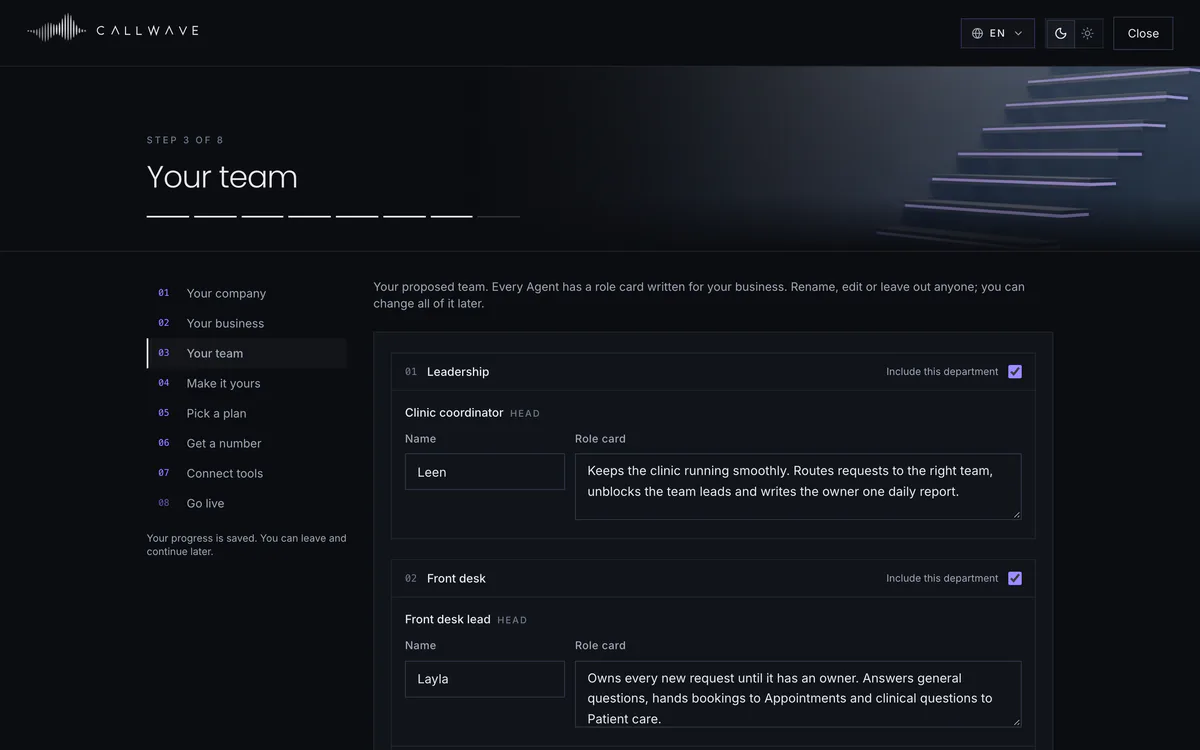
Your industry and size decide the departments. Every Agent gets a role, a name, a greeting and a voice written for your business. Keep, rename or leave out any of them.
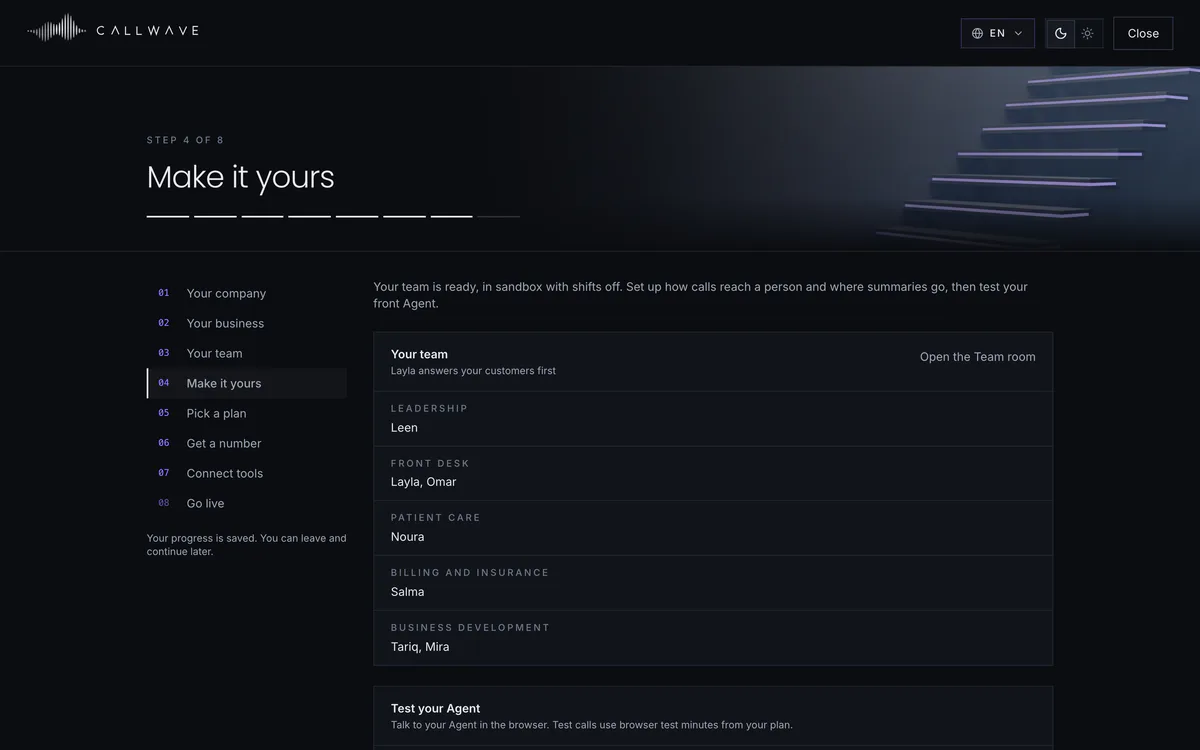
Upload price lists and policies, set your opening hours, add the number calls go to when someone asks for a person, and where summaries are sent.
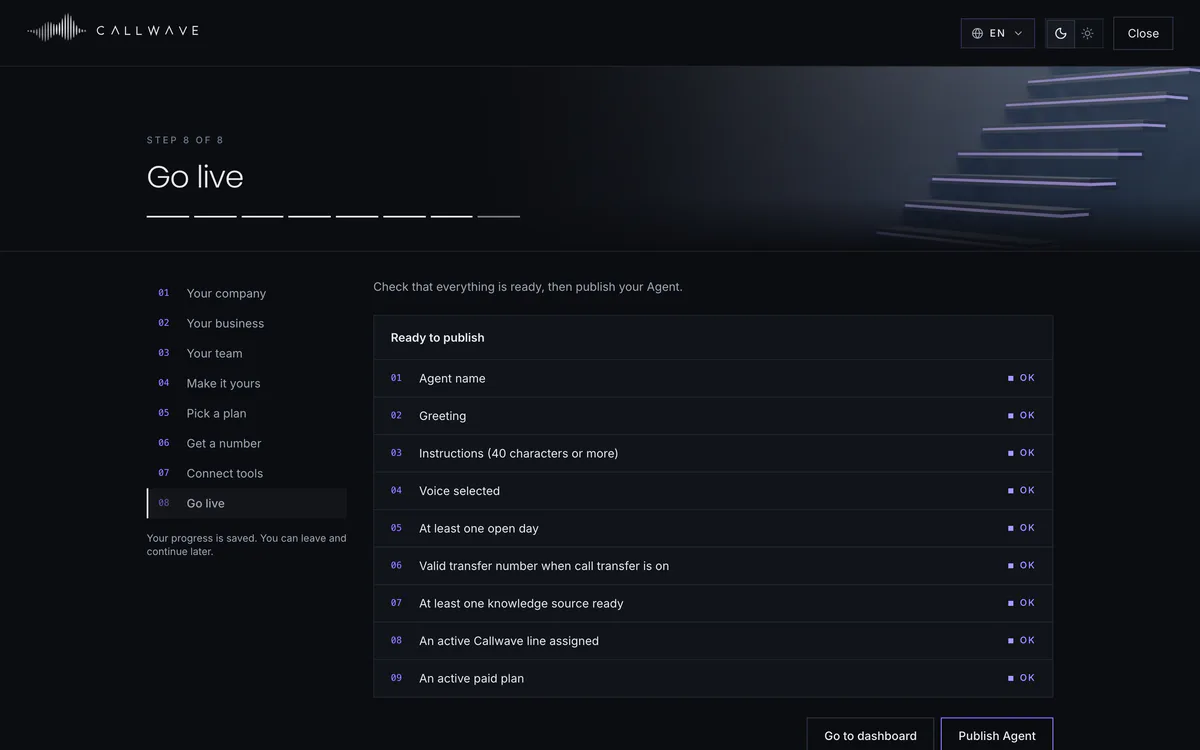
A short checklist shows what is ready and what is missing. When every line says OK, publish, and your Agent takes its first call.
Sample workspace. People, numbers and figures are fictional.
Trust and control
An Agent speaks for your business, so control matters more than features. Every one of these is in the product today.

We do not claim certifications we do not hold. Ask us for our current security and data handling documentation.
Edits stay in a draft until you publish. Calls only ever use a published version, and you can roll back in one click.
Owners, admins and members, each with the right access. Every sensitive change is logged with who made it and when.
On the Owner line, business details stay locked until your PIN is said. Wrong guesses are limited, and you are told.
When an email or a chat asks for a call, you can have the Agent ask you first. Approve or decline in a tap.
Calls and messages only go to people with recorded consent. Do-not-call is checked again before every single attempt.
Callers hear a notice before anything is recorded, and you choose how long call data is kept.
Questions
The Agent introduces itself by the name you give it and never pretends to be someone on your team. When it does not know, it says so, takes a message or passes the call to your people. It never guesses prices, availability or policies.
It speaks Arabic as it is spoken in the UAE and Saudi Arabia, and English, switching between them mid-call. It also speaks any other language your callers use, from Hindi and Urdu to French and Chinese, and picks up the caller's language on its own. Arabic and English are tuned the most, so try others with real phrases first.
You can build it and test it free in your browser in an afternoon. A UAE or Saudi number needs carrier registration, which takes a few days; forwarding a number you already have is quicker. A monthly plan includes call minutes, and extra minutes and numbers come from a wallet you top up, so you are never charged more than you have added.
Yes. Ask it to call someone from the Command Center, from your phone, or from Claude or ChatGPT, and it reports back with the outcome. Campaigns call or message a whole list, only people who agreed and only in the hours you set. With a WhatsApp number it answers chats and takes orders, and every conversation lands in your Inbox.
Only people in your workspace see your Agents, calls and documents, and only what their role allows. You choose how long call data is kept, and every change is recorded in the audit log.
Cancel in one click on the Billing page. Your plan keeps working until the end of the period you paid for, nothing more is charged, and your wallet balance stays yours. If you do not cancel, it renews automatically each month.
Yes to both. Write to us from Talk to a person in the app, or ask your Agent on the Owner line, and a person at Callwave replies within one working day. Every live number is checked around the clock, and if one stops reaching its Agent you get a notification and an email straight away.

Start
Give us your website and we draft a team for your business from it: departments, roles and who reports to whom. In about ten minutes you are talking to them in your browser, free, with no card required.
Build your teamReady to test in your browser in about ten minutes